If you sail with a chartplotter or a phone, one of them will eventually stop telling you the truth. Sometimes it goes dark, which is easy to spot. Sometimes it keeps drawing a confident boat icon where the boat isn’t. The second kind is harder to handle, because nothing on the screen tells you to stop trusting it.
Knowing what to do if your GPS fails while sailing starts with knowing how it fails. A single “bring a backup” rule does not cover that, because the same backup does not fix every problem. A spare battery helps when the power dies and does nothing when the chart is wrong. A paper chart helps when the screen freezes and does little if you can’t figure out where you are on it.
This article goes through six specific failures: power loss, lightning, interference and spoofing, bad chart data, a frozen or misread display, and overconfidence. For each one, it names the backup that covers it. It ends with a ten-minute drill you can run on your own boat before you need any of this.
The groundings that started with a screen showing the boat in the right place
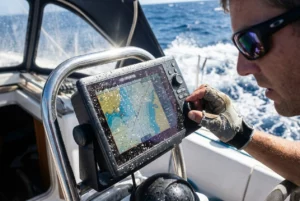
A common pattern in navigation accidents is that the electronics were working. The plotter was lit, the boat icon was moving, and the person at the helm had no reason to doubt it. The screen showed a safe position, so the crew stopped looking for evidence to the contrary.
That matters because a dead plotter is the easy case. The helmsman sees a black screen and switches to another method. The dangerous failures look like normal operation: an icon slightly off, a chart that omits a rock, a display that stopped updating a few minutes ago.
Each failure below has a different symptom and a different cure, so you have to build the backup plan per failure rather than as one general safety net. Two principles run through all of it:
- Keep at least one position source that doesn’t depend on the same power, antenna, satellite signal, or chart data as your main system.
- Keep checking the screen against something it cannot influence: the depth sounder, the compass, a visible landmark, the color and shape of the water.
When the power goes: battery, wiring and lightning failures that take out everything at once
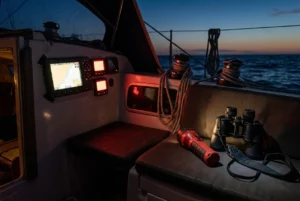
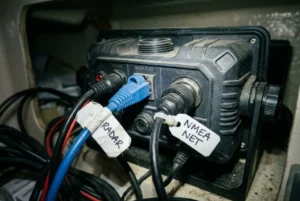
Power failures are the most likely way your navigation will disappear, and they tend to take out several things at once. The plotter, instruments, autopilot, and VHF may share a distribution panel, so a single fault can silence them all.

The ordinary causes
Most power failures on boats are mundane:
- A house battery drained overnight, or a bank that is aging and no longer holds a charge.
- A corroded or loose terminal that works in the harbor and opens up when the boat pounds in a seaway.
- A blown fuse or tripped breaker on the circuit that feeds the navigation equipment.
- A voltage dip when a windlass, bow thruster, or engine starter draws heavy current, which can make some plotters reboot at the worst moment.
- A battery switch turned off or knocked to the wrong position.
You can reduce the odds of each. Label the navigation fuses and breakers so you can find them in the dark. Check and clean terminals on a schedule. Find out which battery your plotter runs from, and whether you can switch it to a second bank. Keep the engine start battery separate from the house bank so a drained house bank does not also leave you without an engine.
Lightning
Lightning is a different kind of power failure. A direct strike on a sailboat is not the only danger. A nearby strike can induce surges in the wiring, and the GPS antenna, wind instruments, and VHF antenna at the masthead are all connected to equipment below. Damage often shows up in several devices at once, and some of it appears only later, when a unit that seemed fine fails to start.
A strike can also affect the magnetic compass. After one, check it against a known bearing, such as a charted transit or the heading you can verify from a landmark, before you rely on it.
The backup that covers it
The backup for power loss and lightning is a handheld GPS that runs on its own batteries and is kept separate from the boat’s electrical system. The point of the handheld is that it shares nothing with the main system: it has its own antenna, power, and screen. Keep spare batteries with it, and keep it where you can reach it in the dark without moving other gear.
For lightning specifically, it is commonly advised to store a spare handheld, and any other spare electronics you want to keep working, in a closed metal container so a surge cannot reach them. An unused oven or a lidded metal box is the usual suggestion. Because effectiveness depends on the container, treat it as a precaution, not a guarantee, and keep a paper chart and a hand-bearing compass as well. They need no power, so a strike cannot remove them. If you are choosing a handheld, the comparison in best handheld GPS devices for emergency use at sea is a good place to start.
Interference, jamming and spoofing: when the position is wrong but looks fine
GPS signals travel from satellites very far away, and they are weak by the time they arrive. That makes them easy to drown out. Jamming is deliberate or accidental radio noise that stops your receiver from getting a fix. Spoofing is a counterfeit signal that makes the receiver compute an incorrect position. Interference has been reported in several regions, particularly in busy shipping areas, and it is not limited to places most recreational sailors would think of as dangerous.
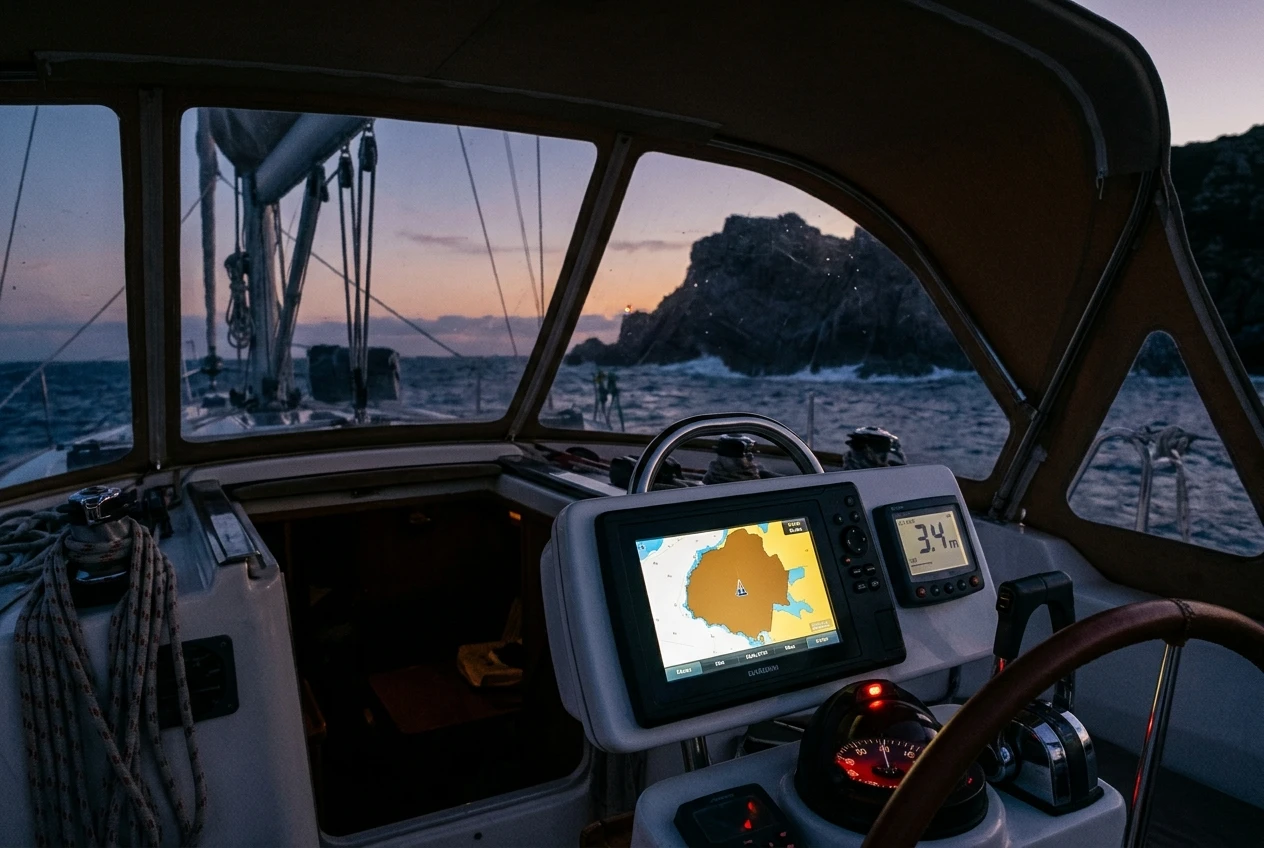
Jamming is the milder case. The receiver loses its fix, you get a “no position” alarm, and you know you have a problem. Spoofing is the one to worry about, because the receiver may show a perfectly healthy fix.
How to notice it
Spoofing is hard to detect with GPS alone, so you detect it by cross-checking it against other sources. Warning signs include:
- The boat icon jumping a long distance instantly.
- Speed over ground that doesn’t make sense for the conditions, or a course over ground that doesn’t match the compass heading.
- The wrong time or date on the plotter or on devices that take their clock from GPS.
- A position that disagrees with the depth sounder: the chart says the water is deep, but the sounder reads a few meters, or vice versa.
- A position that disagrees with what you can see. A headland that should be abeam is nowhere near it.
- Several GPS-linked devices, such as the plotter, the AIS, and the handheld, show different positions.
One consideration about a handheld: if it receives the same interfered signal, it may be fooled in the same way. Using multiple satellite systems does not guarantee protection either. A second GPS receiver is a backup for equipment failure, not a complete answer to deliberate interference.
The backup that covers it
The backup is position information that does not come from satellites. That means compass bearings to charted objects, radar ranges and bearings to the coast, and soundings compared against the chart. Dead reckoning, covered in the drill below, gives you a running estimate to compare against. If the plotter says one thing and the depth, the compass and your eyes say another, believe the combination of those three.
Radar, in particular, gives you a position check independent of GPS: range to a charted headland, tower, or buoy plotted on the paper chart. If you have both radar and AIS, what each misses, and which to buy first, depends on how their limits differ, which matters when you decide what to trust.
Chart data and datum errors: why a perfect fix on a bad chart still puts you on the rocks
A GPS receiver tells you where you are in terms of latitude and longitude. The chart tells you what is there. If the chart is wrong, an accurate fix can lead you straight into trouble. Both halves have to be right, and the chart half fails more quietly than most sailors expect.
Outdated or incomplete data
Charts are surveys, and surveys age. Some areas were surveyed long ago with methods less precise than those used today. Sandbars and channels move. Buoys are relocated, removed, or replaced. New wrecks and hazards appear, and not every chart on every card or app has been corrected for them.
Be aware of where your chart data comes from:
- A national hydrographic office maintains official chart data through formal correction procedures, including Notices to Mariners.
- Third-party and crowd-sourced charts may be useful but may not carry the same checks. Treat them as a supplement and check the source before relying on them in tight water.
- Chart cards and apps need updating. A plotter that has never had its chart data refreshed is showing you a snapshot.
Datum
A datum is the reference model used to turn positions on the Earth into coordinates. GPS receivers normally work in WGS 84. Some charts, particularly older paper ones and those for certain regions, use a different datum, and a position read off one datum and plotted on another can land some distance from the true spot. The chart will have a note in its title block saying which datum it uses and often giving a correction.
This catches people when they move a position between systems. A waypoint copied by hand from a paper chart into a plotter, or a latitude and longitude from a pilot book or a friend, may be on a different datum from the one your plotter is set to. Check the datum setting on your plotter against the chart, and read the datum note on any paper chart before you take coordinates from it.
Detail that disappears
Electronic charts show different levels of detail at different zoom levels. A plotter zoomed out to a passage-planning scale may omit rocks and shoals that appear when you zoom in. The safety contour or shallow-water settings, if you have them, also shape what the screen draws as dangerous.
The backup that covers it
A current paper chart of the area, corrected up to date, is your independent source of chart data. It was produced separately from your plotter’s database, so an error in one is likely to show up as a disagreement with the other. For harbor approaches and passages near the coast, compare the plotter’s route with the paper chart before you leave. The role of the chart and the compass together is covered in the role of compass and charts in modern marine navigation.
The quiet failure: frozen screens, zoomed-out charts and trusting the plotter over your eyes
Some failures have nothing to do with equipment. The screen works, and the problem is how you read it.
The frozen display
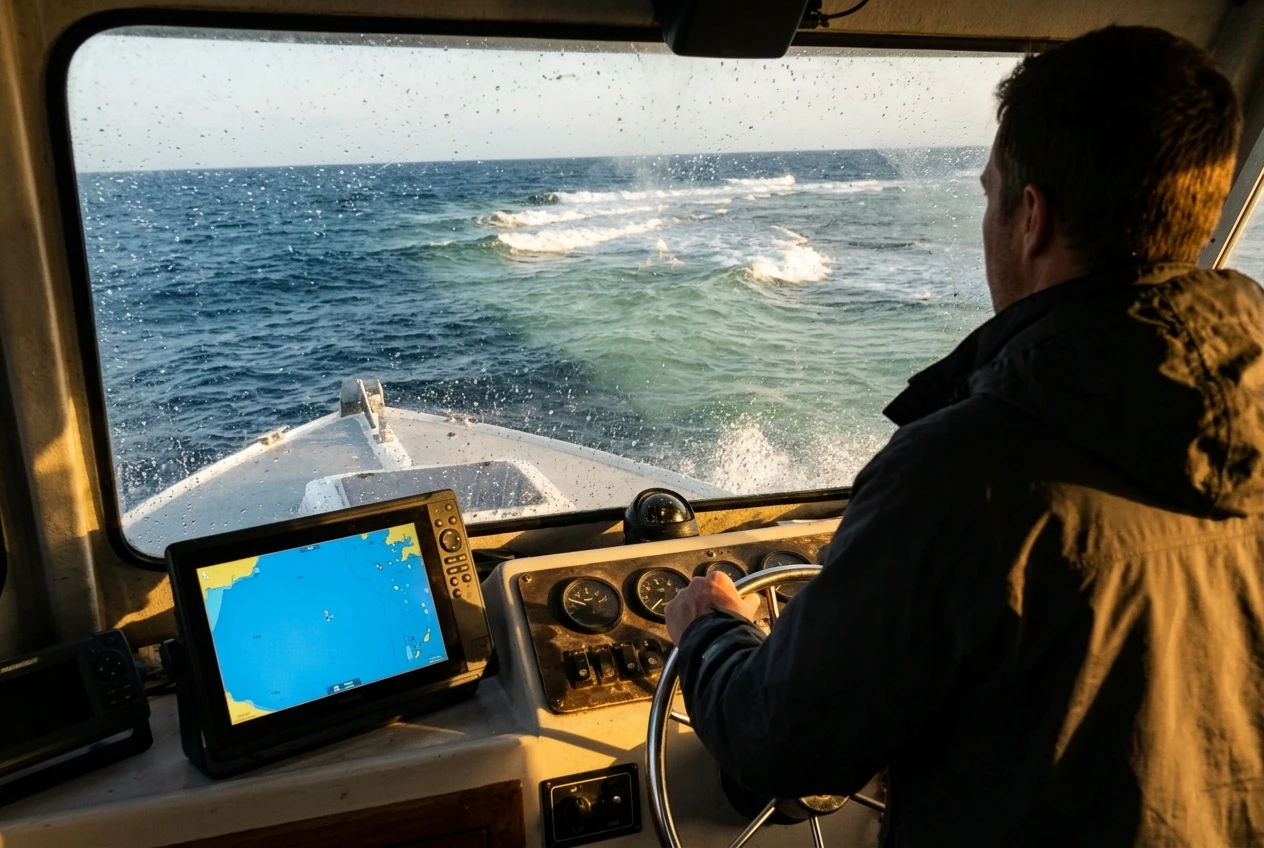
A plotter or phone can freeze and keep showing the last position it drew. The boat icon sits still or drifts plausibly, and the helmsman doesn’t notice for several minutes. On a boat moving at five knots, ten minutes of stale data puts the real position about eight and a half nautical miles from the screen.
Habits that catch it:
- Watch the speed over ground, the time, or any value that should be changing. A reading that never updates is a warning.
- Look for the boat icon moving smoothly against the chart, and at the same time check for landmarks moving past in the real world.
- Phones add their own problems: screen timeouts, overheating in direct sun, a flat battery, a crashing app, or a notification covering the display. If a phone is your primary navigation, keep it in a waterproof case with a power source, and know how to restart the app quickly.
Misreading what is shown
Several settings change what the display means without making it look broken. A plotter in north-up mode and one in heading-up mode show the same chart rotated differently, and it’s easy to mix them up when you are tired. A route with a mistyped waypoint will draw a line that looks like a route, and an autopilot following it will take the boat exactly where the typo points. A chart zoomed out hides the details you need, as above.
Trusting the screen over the water
The deepest version of this failure is deciding the plotter is right when everything else says otherwise. If the water color changes, waves begin to break where the chart shows deep water, or a buoy is not where it should be, then the screen and the world disagree, and the world wins. Stop, slow down, and work out why before you continue.
The backup that covers it
The backup for a display problem is a human habit: a paper log with a position written down at regular intervals, whether or not the plotter seems to be working. An hourly entry takes a minute. It gives you a recent known position, a course and a speed to start from, and it forces a regular comparison between what you wrote and what the screen says. Add a hand-bearing compass for checking landmarks, and a depth sounder reading you actually glance at. Overconfidence is the sixth failure, and the log is the cheapest cure, since it forces you to look away from the screen at fixed intervals.
Building a backup that matches each failure
Together, the six failures call for a short list of backups, each earning its place by covering what the others don’t.
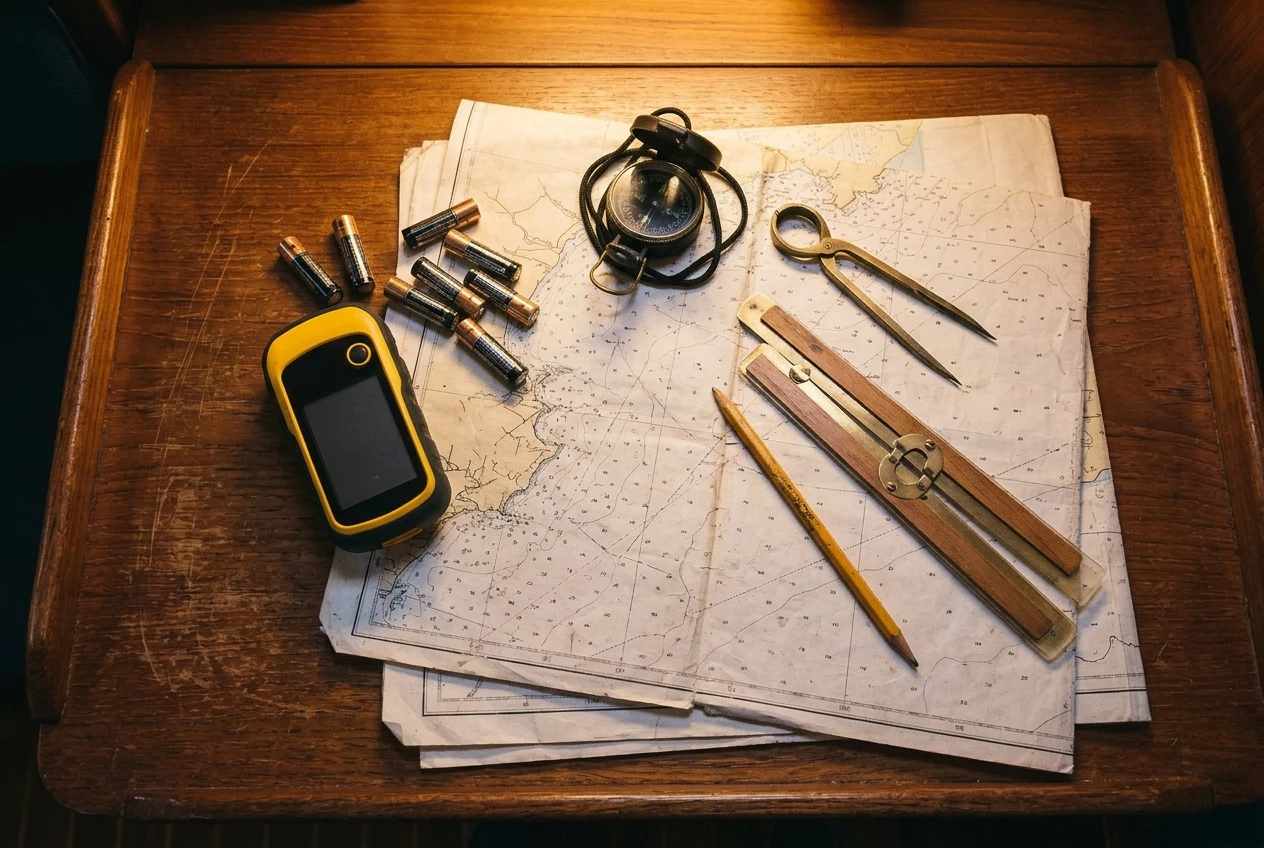
- Handheld GPS with its own batteries. Covers power loss, a failed antenna, a damaged plotter, and some lightning damage. Store it and its spare batteries somewhere that is not wired into the boat. Switch it on at intervals to check it still gets a fix, and compare its position with the plotter’s. See the handheld GPS guide for options.
- Paper charts, corrected and kept dry. Cover bad or outdated electronic data, datum mismatches, and total electronic loss. Carry the scale you would actually use for your coastline, with a larger-scale chart for each harbor you might enter.
- Carry a compass, a hand-bearing compass, and a plotting kit. Cover spoofing, display errors, and total electronic failure. A steering compass and a hand-bearing compass let you take bearings of charted objects and plot a position without any power. Know your compass deviation, and keep pencils, dividers, and a plotter or parallel rules handy. The article on compass and charts goes further into how these work together.
- Depth sounder. It measures the water depth directly, so it is independent of satellites and chart data. Compare its readings against the chart as a regular check.
- Radar and AIS. Radar gives ranges and bearings to the coast and other vessels, so it works as a position check that doesn’t depend on GPS. AIS shows other vessels that carry transponders, and its position data usually comes from GPS, so it is not a completely independent check. Each has gaps, which the radar and AIS comparison explains.
- A power plan. A separate battery for the handheld and phone, a power bank, and a known way to run the plotter from a second bank.
None of this means giving up the plotter. It remains the best tool for day-to-day navigation. The backups exist so that when one source fails or lies, another fails differently.
A ten-minute drill: dead-reckoning from your last known position before you ever need to
Dead reckoning means working out your present position from a known earlier position, your course, your speed and the time elapsed. It links all the backups above because it gives you a place to start when the screen cannot be trusted. It is much easier to learn on a calm day than when you need it.
Try this the next time you are out, or at anchor with a plotter you can switch off:
- Note a known position. Take a fix from the plotter and log it: latitude, longitude, time, the compass heading you are steering, and your speed through the water from the log or speed sensor. Plot it on the paper chart.
- Cover or switch off the plotter. Keep steering the same heading at the same speed for a set time, say thirty minutes.
- Calculate the distance run. Distance equals speed multiplied by time. At five knots for thirty minutes, you have covered two and a half nautical miles.
- Plot the estimated position. Using the chart’s latitude scale or a dividers measure, step off that distance along your course line from the starting position. Mark it and label it with the time.
- Allow for what moves you sideways. Wind, leeway, and tide or current set can push the boat off your course line. If you know the tidal stream for the area, add its effect to the plot. If you do not, note that your estimate carries that uncertainty.
- Check against the plotter. Switch it back on and compare. The gap between your dead-reckoning position and the plotter’s tells you how large your errors are and which ones (leeway, current, compass error) matter most on your boat.
- Take a bearing as well. If a charted object is visible, take a hand-bearing compass reading, plot the line, and see how close it passes to both positions.
Done once, this takes about ten minutes of work, not counting the thirty minutes of sailing. Done a few times, it becomes routine, and you will know how far your dead reckoning tends to drift on your boat. That figure is useful in its own right because it tells you how much margin to leave when you are near hazards and only have a dead-reckoning position to go on.
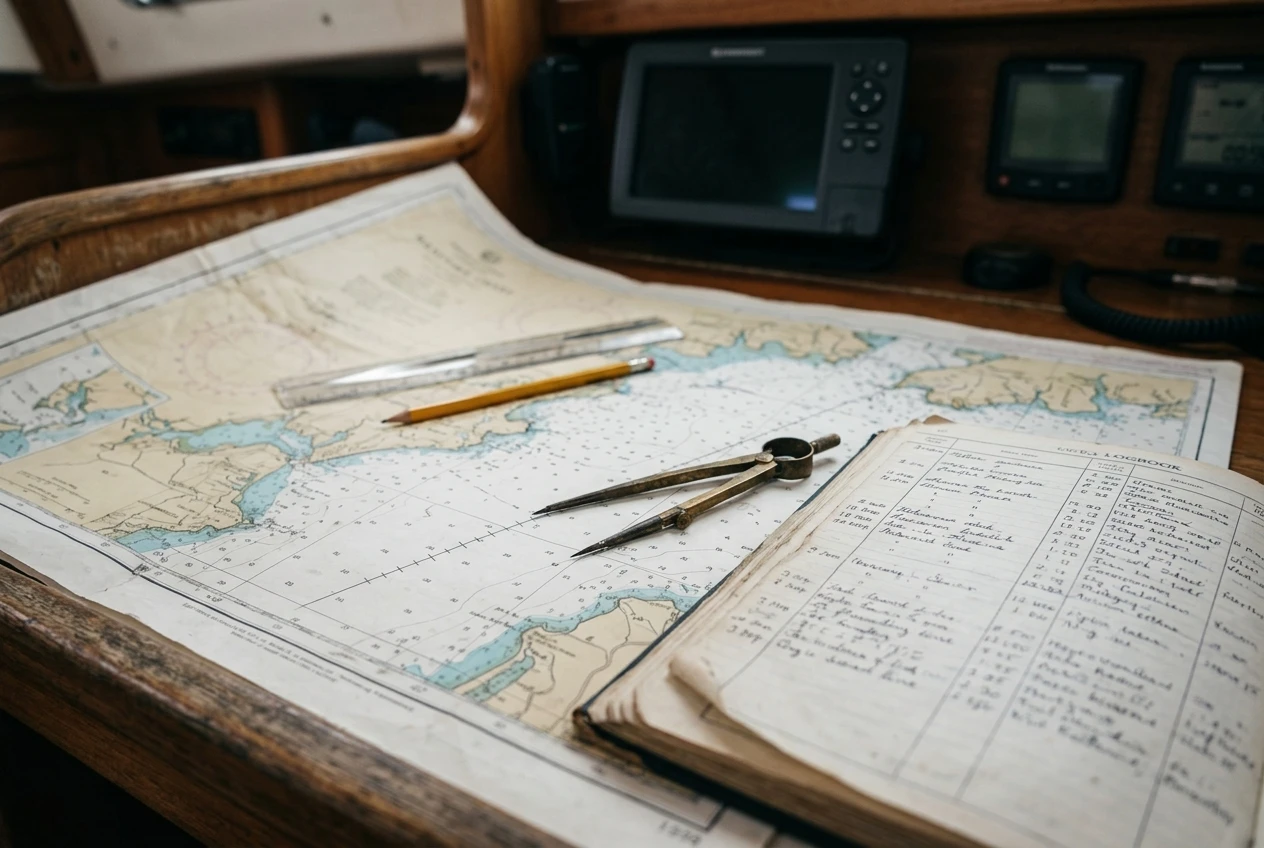
Practice the other backups the same way. Switch on the handheld and confirm it matches the plotter. Take a bearing and plot it. Find your spare batteries. If you have never actually done something, you may fail to do it under pressure.
Check your own boat against the backup navigation gear in the safety equipment checklist, and note what you would be missing if the plotter went dark.
This article was created with AI assistance and reviewed by a human editor.
Disclosure: This post contains Amazon affiliate links. If you buy through them, we may earn a small commission at no extra cost to you.
About The Author