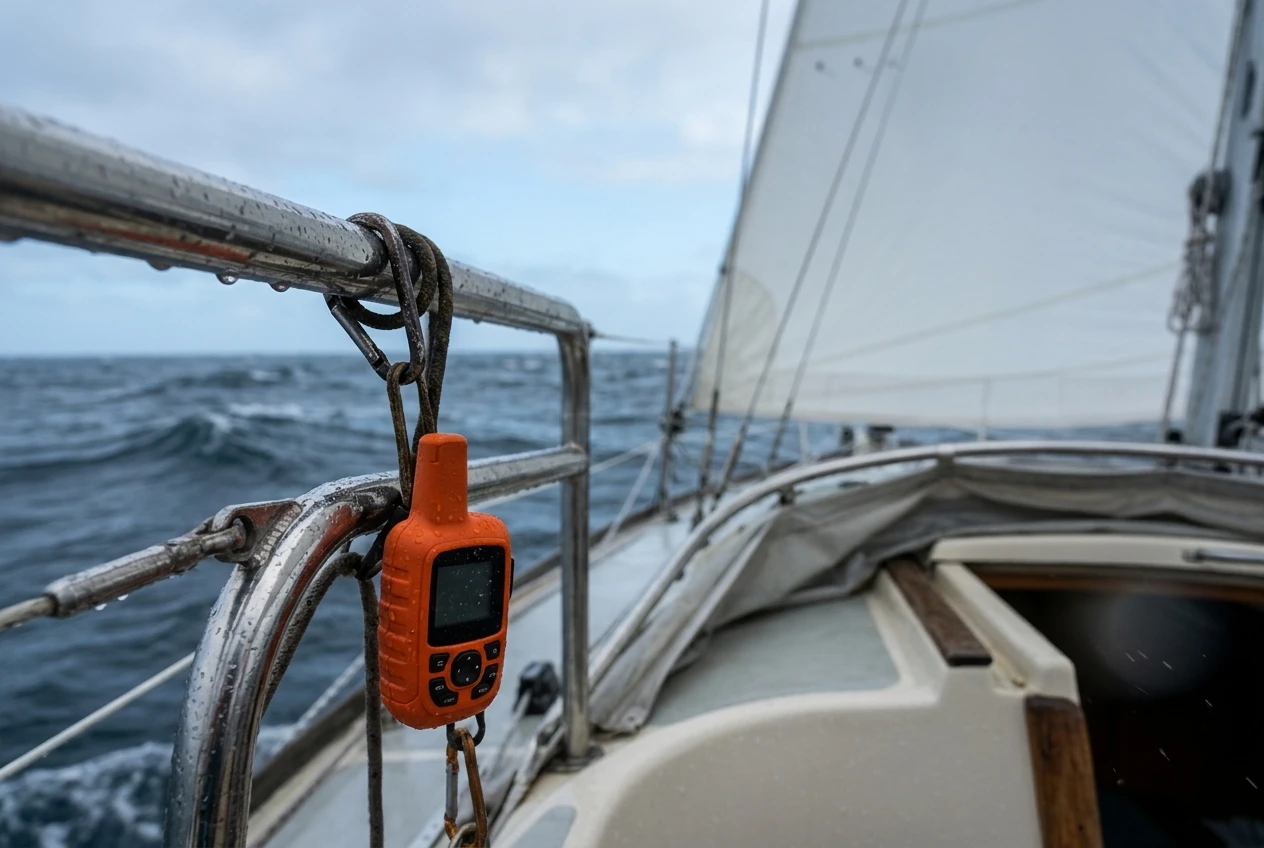
A handheld satellite communicator sends and receives short text messages through satellites, shares your position, and carries an SOS button that connects to a staffed response center. It works where VHF doesn’t reach, and your phone has no signal. That covers most of the open water on a coastal passage beyond a few miles offshore, and all of it on an ocean crossing.
It replaces none of the other gear aboard. VHF with DSC lets you reach nearby vessels, and an EPIRB is the dedicated distress beacon, covered in the EPIRB vs PLB comparison. AIS makes you visible to ships. A communicator adds a long-range text link and a second route to a rescue coordination center. If you are still deciding whether to carry a sat phone instead, that question is handled in which satellite communicator or sat phone to carry offshore. This article assumes you have chosen a communicator and need to pick between models.
The comparison table to build before you look at any price
Price is the easiest number to compare and the least useful one to start with. A cheaper unit with a plan that cannot be paused, or a battery that fades in the cold, costs more over several seasons than a dearer one that suits how you sail.
Build a table with one column per model you are considering and the rows below. Fill every cell from the maker’s own current product page and plan terms, not from a review or a forum post, because plans and specifications change between model generations.
|
Row |
What to find out |
Why it matters aboard |
|---|---|---|
|
Plan billing |
Annual, monthly, or both; activation fees; whether you can suspend |
Sailing is seasonal, and a plan you cannot pause is paid for all winter |
|
Included messages |
Allowance per period, charge per extra message |
Tracking points and weather requests may draw from the same allowance |
|
SOS service |
Who runs the response center, hours, languages, whether SOS needs an active plan |
This decides what happens when you press the button |
|
Two-way contact |
Whether the response center can text you back after SOS |
Lets them ask questions and confirm help is coming |
|
Messaging method |
Typing on the device, or only through a paired phone |
A phone in a wet cockpit is a weak link |
|
Weather |
What forecasts are offered and how they are billed |
Useful on passage, but costly if billed per request |
|
Battery |
Published life, under what tracking interval and conditions, replaceable or built-in |
Real endurance is lower than the headline figure in cold, wet conditions |
|
Water resistance |
Ingress protection rating, whether it floats |
Tells you whether it survives immersion or only spray |
|
Mounting and charging |
Bracket options, port cover, charging connection |
Determines whether it can live in the cockpit and be kept charged |
Once the table is full, differences between models stop being matters of opinion. Gaps in the table also tell you something: if a maker does not state the conditions behind its battery figure, treat the figure with caution.
Reading the data plan: annual, monthly, and seasonal use for a sailing season
The device is a one-off purchase, but the plan is the ongoing cost, and plans differ in structure more than in headline price. Some are billed annually with a lower monthly equivalent. Others are billed monthly and can be suspended or canceled. Some have a minimum term when you first activate.
For a sailor who uses the boat six months of the year, the question to answer is how the plan treats the other six. Check three things in the terms:
- Whether you can suspend or downgrade the plan without paying a reactivation fee.
- What happens to SOS while the plan is suspended. On some services, the SOS function needs an active plan, which would leave an unused device in the ditch bag unable to call for help.
- Whether unused messages roll over or expire.
Then work out how much messaging you will actually do. Counting tracking points is the usual surprise. A device that records your position every ten minutes generates far more data than one that sends a position every few hours, and on some plans each position counts against your allowance or incurs a charge. Decide what tracking interval your shore contacts really need before you choose the plan tier.
An offshore crew sending a daily position report and a few messages has very different needs from a coastal cruiser who carries the device mostly for emergencies. Match the tier to your use, and don’t pay for allowances you won’t use.
What happens after you press SOS: the response center, two-way contact and who gets called
Pressing SOS on a communicator does not send a signal straight to a rescue boat. The device sends your position and a distress message by satellite to the maker’s response center, which is staffed by people. They then contact the appropriate rescue coordination center for your location and the emergency contacts you have registered.
That chain has points you can compare between models:
- Who runs the center and when. Confirm it is staffed around the clock and covers the area you plan to sail.
- Two-way contact. On most devices, the center can message you back to ask what the emergency is, how many people are aboard, and whether you are in a liferaft. That exchange helps rescuers decide what to send. Check that the device you are considering supports it and what the screen shows you when a reply arrives.
- Cancelling. A false activation is easy to cause with a button that catches on a sheet or in a bag. Find out how the cancel procedure works, and how fast you need to do it.
- What the center cannot do. It cannot dispatch a boat itself, and it does not alert vessels near you the way a DSC distress call does. The piece on what happens when you press the DSC distress button explains how a DSC alert reaches nearby ships and shore stations, and it is worth reading alongside this one, because the two routes cover different ground.
How quickly help arrives depends on what rescue assets exist near you, and no communicator changes that. What the device changes is how soon and how accurately the rescue coordination center learns where you are and what is wrong.
Messaging, weather and tracking from a cockpit: what works and what is frustrating
The daily use of a communicator is messaging, and that is where models feel most different.
Typing is the first difference. Some devices have their own screen and keypad or touchscreen. Others rely on a paired phone, and the phone becomes your keyboard. A phone gives you faster typing and your contacts list, but it needs a charge, a waterproof case, and a working Bluetooth connection. Typing a message with wet or gloved fingers on a pitching boat will quickly show you which design suits you best, so handle each model in a shop if you can.
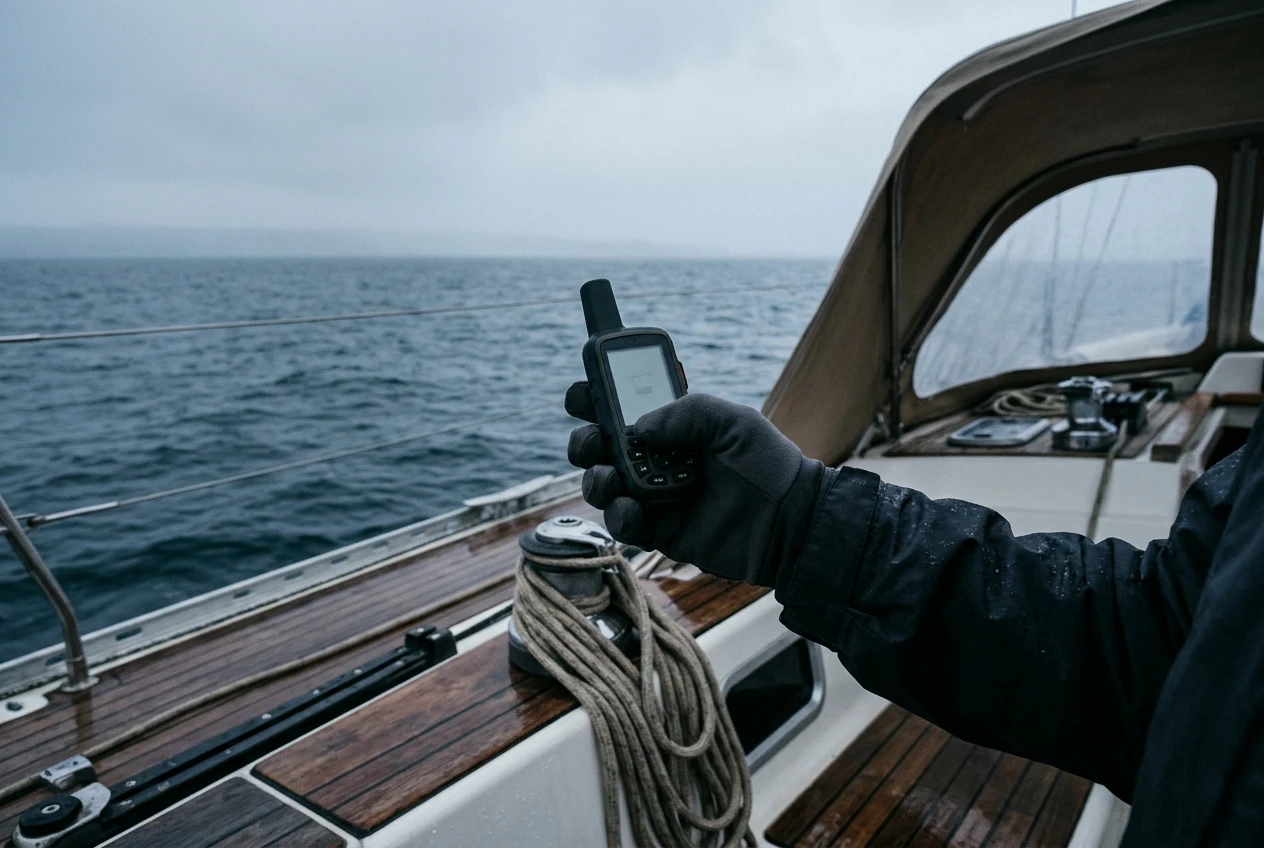
Satellite view is the second. The device needs a clear sky to send and receive. In the cockpit under a hard dodger or bimini, it may struggle, and in the cabin it will often fail altogether. Check whether the maker offers an external mount or recommends a location, and plan to move the device to the open deck for sending. Messages are also short and can take a few minutes to arrive, so use the device for information that can wait, not for a conversation.
Weather and tracking are the third. Weather forecasts through a communicator are small, low-resolution summaries compared with what a ship’s receiver or a satellite data connection can provide. They are good for a rough picture and weak for routing decisions. Read what each maker’s forecast product contains and how it is billed before you count on it.
Tracking is useful for shore contacts, who can follow your position on a web page. Check how the page is shared, whether it can be made private, and what the interval costs you on your plan.
Battery, water resistance and mounting: the specs that matter on a wet, moving boat
Published battery life comes from the maker’s tests under stated conditions, usually a particular tracking interval at a moderate temperature. Cold reduces the capacity of lithium batteries, and a screen backlit all night at sea will drain the device faster than a figure measured with it asleep. Treat the headline number as a ceiling.
What to compare:
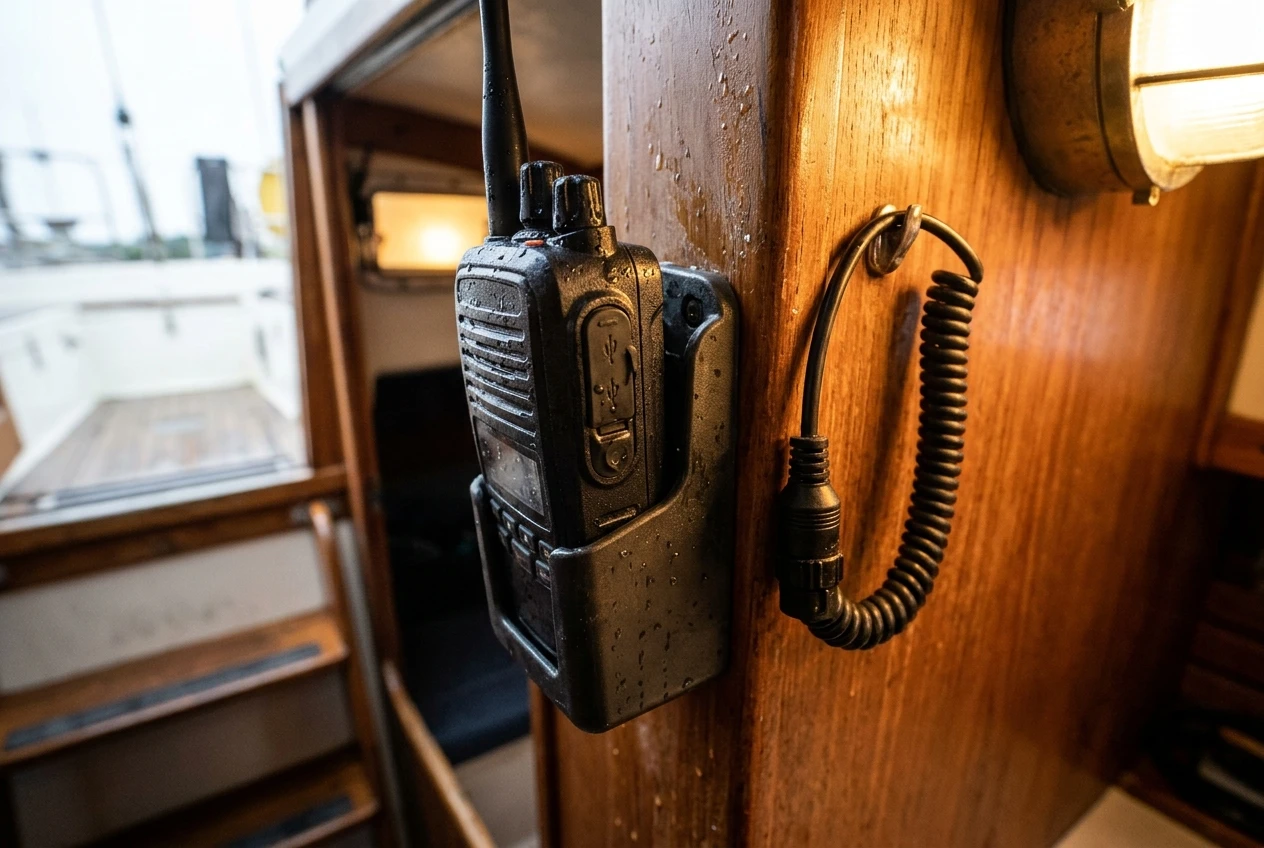
- Battery type. A built-in rechargeable battery means you depend on a charge source. Replaceable batteries can be carried as spares, which suits a long passage or a liferaft. Check which each model uses.
- Charging. Look at the port, its cover, and the cable. A charging port that is not sealed will corrode in a salty cockpit. A dedicated 12V charging point near the nav station, planned in your power budget, keeps the device topped up without borrowing a phone charger.
- Ingress protection. An IPX7 rating means the device survives immersion to one meter for 30 minutes, and IPX8 means it survives deeper or longer immersion under conditions the maker defines. Neither means it can be used while dangling in the sea indefinitely. Check whether the device floats, because a communicator that sinks when dropped overboard is gone.
- Mounting. A lanyard attached to a strong point, a bracket that holds the device against slamming, and a place that is both reachable and out of green water are all worth working out before you sail.
Which type of sailor should pick which type of device
Match the device to the way you sail, using your table.
Coastal and weekend sailors are mostly buying an SOS route for stretches with weak phone signal. A simple communicator on a plan you can pause for winter, with SOS and a modest message allowance, usually fits. Typing speed matters less when messages are rare.
Seasonal cruisers who spend months afloat and want to stay in touch with family value a plan with fair message limits and a clean suspend option, plus a device with its own keyboard or a reliable phone pairing.
Offshore passage makers care most about battery endurance, replaceable batteries, a real two-way link with the response center, and a mounting position with open sky. Weather summaries are a bonus on top of whatever primary weather source the boat carries.
Crews with a person ashore who worries get the most from tracking pages and a pre-agreed message routine. Choose the plan around that tracking interval.
Anyone carrying a personal beacon on a lifejacket should also read the comparison of a PLB and a satellite messenger on your lifejacket, because the handheld in the cockpit and the beacon on your body do different jobs.
Setting it up before you leave: testing, contacts, and where it lives on the boat
A communicator that is activated but never tested may fail when it matters. Before the first passage:
- Activate the plan and send test messages to several contacts, from the open deck and from the cockpit, to learn where reception drops.
- Use the maker’s test function for SOS if it offers one. Do not press the real SOS button to test it.
- Enter emergency contacts and tell each person what a message from you will look like, what an SOS notification means, and who they should call if they get one.
- Set your tracking interval and check that the shared page opens for the people you want to see it.
- Write the device name or ID and the plan account details on a card kept aboard, so another crew member can use it.
- Charge it fully, and add a charge check to the pre-departure routine.
Decide on a home for it. Many sailors keep the working unit near the companionway, on a lanyard or in a bracket, and move it to the ditch bag only if they carry a second unit or a charged spare. A single device that lives in the bag cannot be used for daily messages without leaving the bag short of battery, and one that lives in the nav station may be left behind in a hurry. Tell everyone aboard where it is, and make sure each of them can send an SOS and read a reply without you.
This article was created with AI assistance and reviewed by a human editor.
Disclosure: This post contains Amazon affiliate links. If you buy through them, we may earn a small commission at no extra cost to you.
About The Author


