Most advice on handheld vs. fixed-mount marine GPS starts with screen resolution and battery claims. A better starting point is a plain description of your boat: how you launch it, where you stand or sit when you drive it, what powers it, and how often you leave sight of the shoreline. Those answers narrow the choice faster than any spec table.
This article covers three common situations: a small boat you trail, a center console with a proper helm, and a boat that carries a handheld as a backup. For each one, it weighs portability against fixed power and screen size. It finishes with a short decision path and the accessories that make either choice work.
Start with your boat and how you use it, not the spec sheet
A marine GPS does the same basic job in both formats: it uses satellite signals to determine where you are and shows you on a map. The differences come from where the unit lives and what feeds it.
A handheld carries its own battery and antenna and goes wherever you go. A fixed-mount unit is screwed or flush-mounted at the helm, runs off the boat’s 12-volt system, and usually connects to other equipment such as a fishfinder, a VHF radio, or an external antenna.
Four questions about your boat do most of the work:
- Does the boat live on a trailer, or at a dock or lift?
- Does the console or dash have room and a power source?
- Do you drive standing, sitting, or from a tiller at the back?
- Is the GPS your main navigation tool, or a secondary position source?
Keep these in mind as you read the three situations below.
Where a handheld marine GPS earns its place
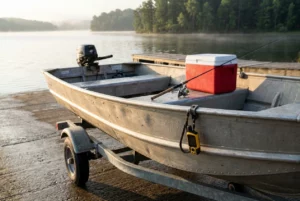
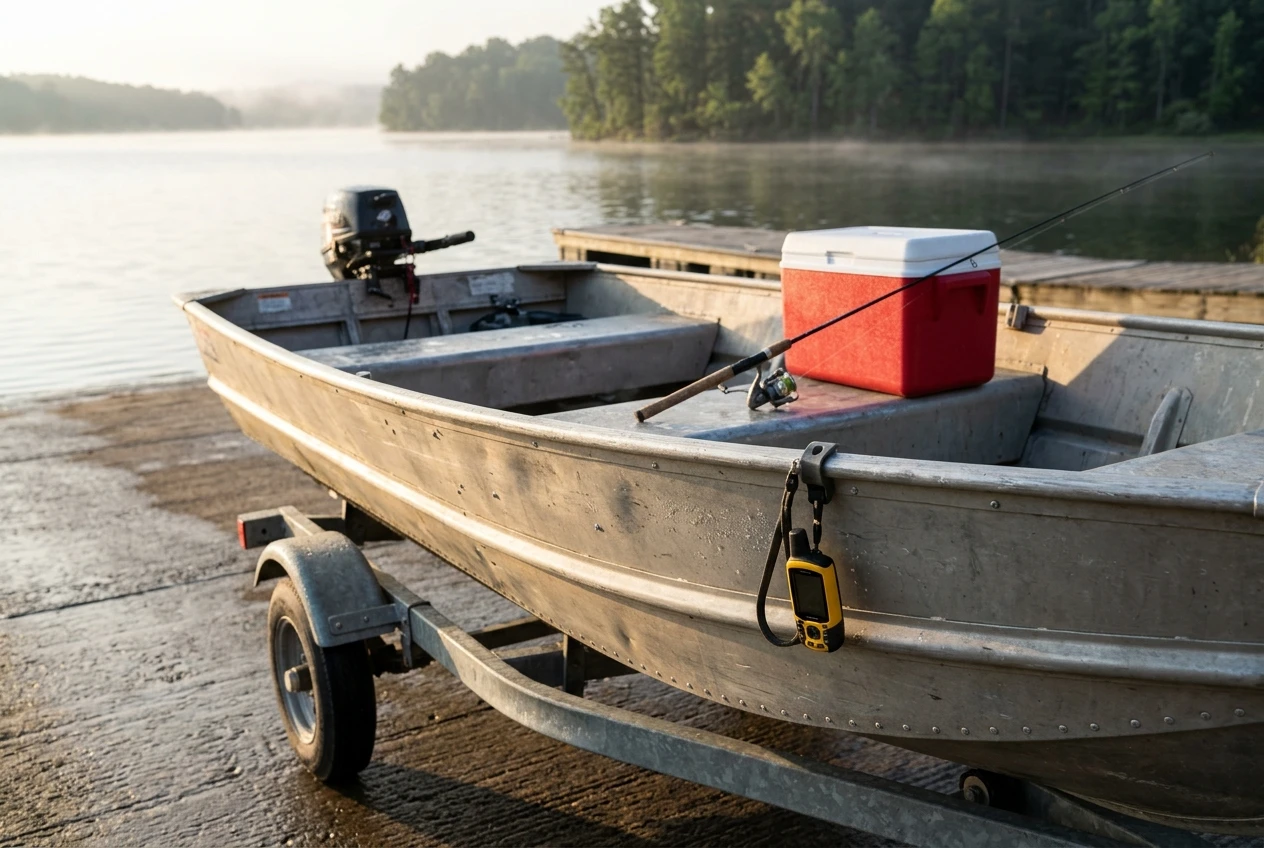
The trailered small boat is the clearest case for a handheld. A jon boat, a small skiff, or a tiller-steered aluminum boat often has no dash, no accessible battery wiring, and nowhere dry to put a screen. Adding a fixed unit means running power cables, finding a fuse location, and mounting a bracket on a surface that may not suit one.
A handheld skips all of that. You switch it on at the ramp, clip it to a lanyard or a bracket, and take it home afterward. Since it leaves the boat with you, it won’t sit in the sun or rain between trips, and it is harder to steal from a boat parked in a driveway.
Handhelds also suit people who use one device across several activities. If you hike, hunt, or paddle, and also fish from a boat, one unit covers it all, and you only learn one interface.
The tradeoffs are real:
- The screen is small, so you see less chart at once, and you zoom and pan more.
- Battery life limits long days, so you need spares or a way to charge.
- Many handhelds have a built-in antenna, which can perform worse when the unit is tucked low or under a cover.
Some models accept an external antenna, which helps when the unit sits somewhere with a poor view of the sky. Check this on the specific model before you buy, because it is not universal.
Where a fixed mount unit pulls ahead: power, screen and the helm
A center console with a helm is where a fixed mount unit makes the most sense. The console already has a place for a screen, a battery within reach, and often a switch panel with spare circuits. The GPS becomes part of the boat rather than something you bring aboard.
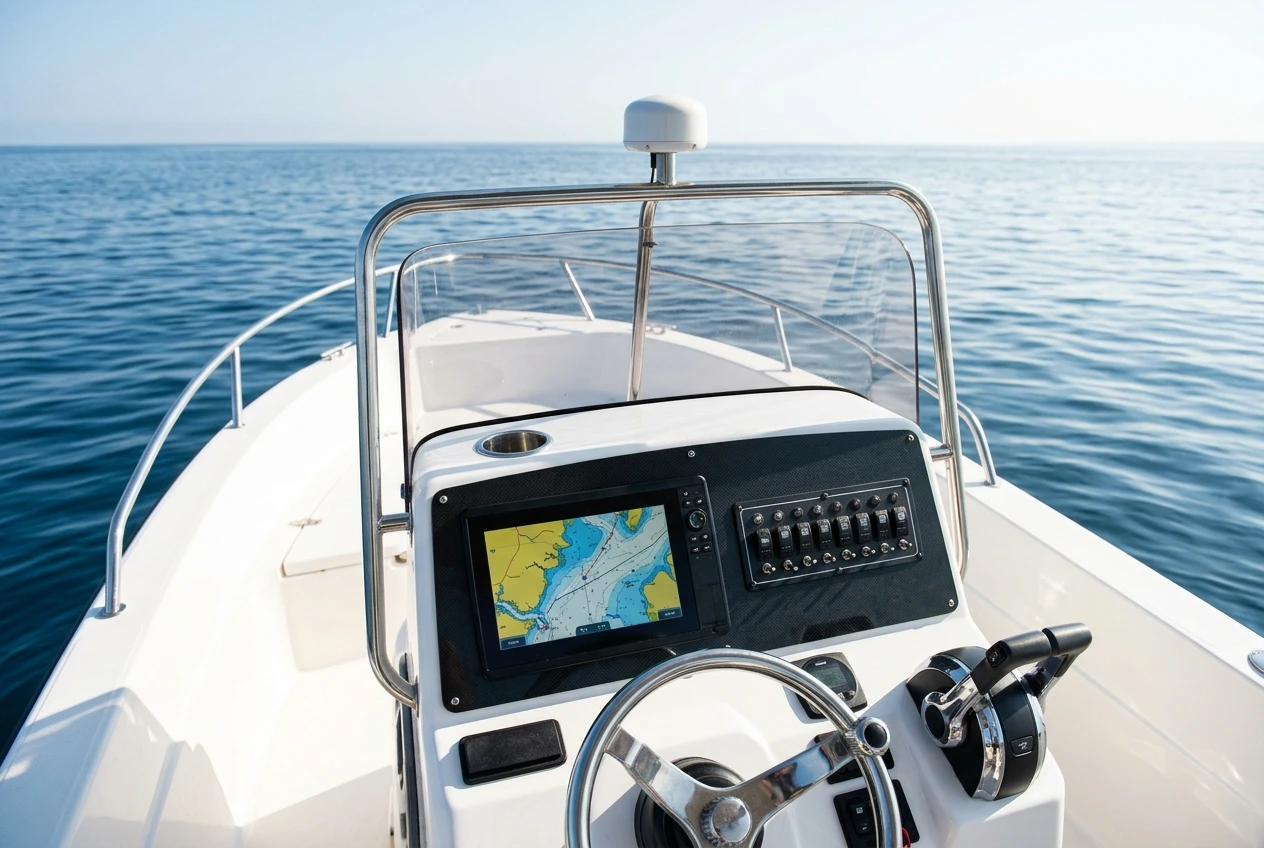
Three things favor a fixed unit here:
- Constant power. It runs off the boat’s battery, so a long day or an unplanned detour won’t drain a small internal cell.
- A bigger screen. You can read the chart, your route, and your depth information from your normal driving position, without picking anything up.
- Integration. A fixed unit can share data with a fishfinder, a radio or other instruments, and it can use an external antenna mounted for a clear view of the sky.
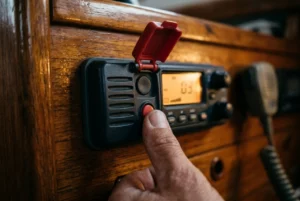
That last point is worth understanding before you shop. If you want to understand how the antenna, display, and sonar relate, and how a GPS antenna, chartplotter, and fishfinder talk to each other, this covers the marine navigation system components in plain terms and explains what each connection carries.
The cost of a fixed unit is commitment. It needs a mounting location, properly fused and routed wiring, and thought about how it will be protected when the boat is covered or stored. It stays with the boat, so it is a poor choice if you move between several boats or a boat with no helm.
Screen size on the water: what you can read in glare, spray, and motion
Screen size matters more on the water than it does on a desk. You read a marine GPS at arm’s length or further, in bright light, while the boat moves, often with wet hands or polarized sunglasses on.
A larger screen helps in three practical ways. Text and depth numbers stay legible at a glance, so you spend less time looking down. The chart shows more of the surrounding water, making it easier to spot a channel marker, a shoal, or your route ahead. Touch targets, or buttons, are easier to hit when the boat is bouncing.
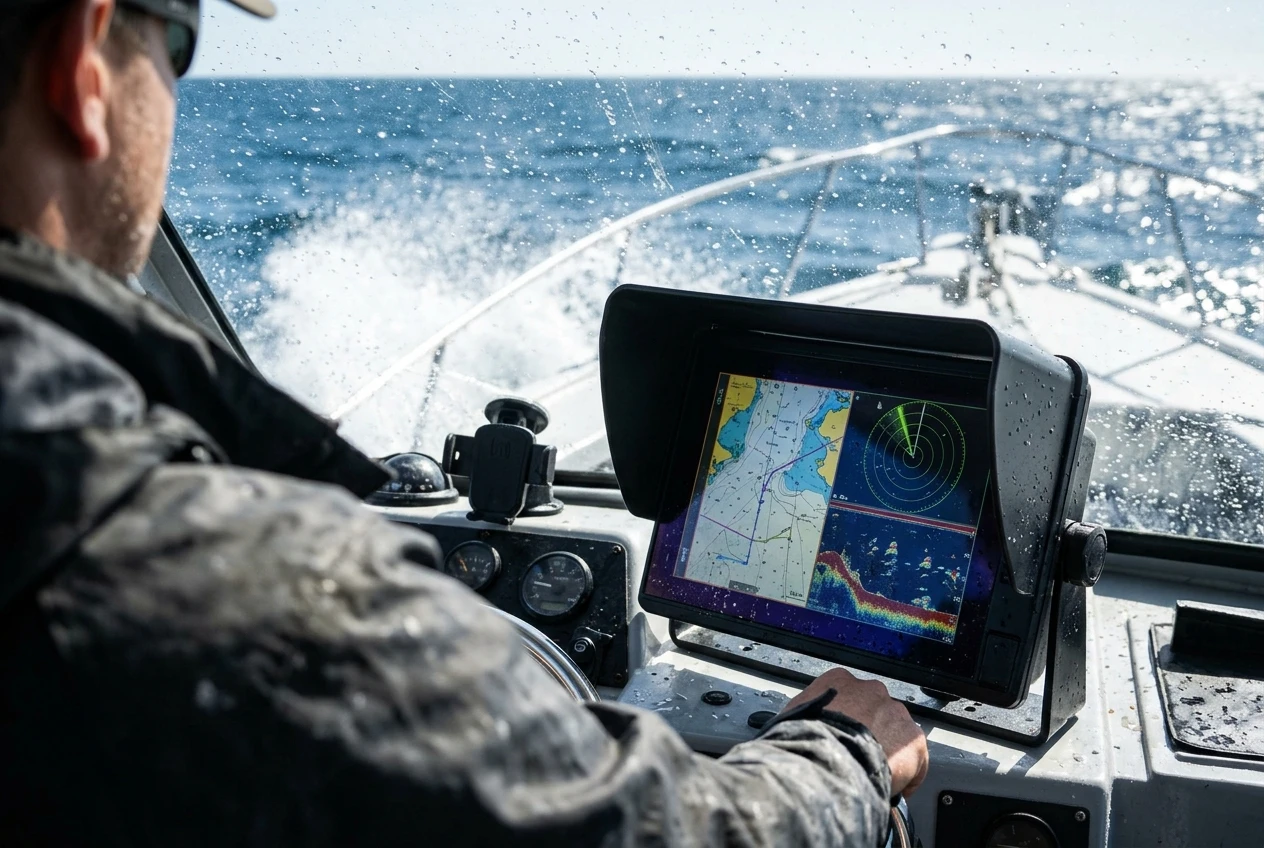
A small handheld screen asks more of you. You will often hold it closer, shield it from glare with your hand, and zoom in and out more. That is manageable on a slow small boat and tiring on a fast one.
A few points apply to both formats:
- Direct sun can wash out any display, so the mounting angle and a sun cover or visor make a difference.
- Polarized sunglasses can make some screens look dim or dark at certain angles, so if you can, check the screen while wearing yours.
- Buttons are often easier than touchscreens when your hands are wet or gloved, and some units offer both.
A bigger screen is only useful if it fits where you drive from. A large display crammed into a spot you have to lean toward is worse than a small one you can see without moving.
Power and mounting: batteries, wiring, and the accessories each choice needs
Whichever format you choose, accessories decide whether it works day to day. This is where many first-time buyers get caught out, because the unit in the box rarely includes everything you need to use it on a boat.
For a handheld
- A mount or lanyard. A console, rail, or gunwale bracket keeps the unit visible and stops it from sliding around. A lanyard or tether protects against dropping it overboard.
- Spare batteries or a charging option. Carry spares in a waterproof container, or use a power cable that runs the unit from a 12-volt outlet if the model supports it.
- A protective case or cover. Even a water-resistant unit benefits from a screen protector and a case.
- An external antenna, where supported. If the unit sits low or under a cover, a remote antenna can improve its view of the sky.
For a fixed mount unit
- A mount that suits your surface. A bail or gimbal bracket, a flush-mount kit, or a dash pod each fits a different layout. Measure your space before ordering.
- Power cables and fusing. Use the correct wire gauge for the run length, and place a fuse close to the battery or distribution point. Follow the manufacturer’s instructions for the unit.
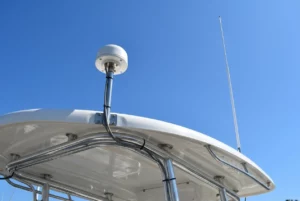
- An external GPS antenna. If the helm is under a hardtop or a T-top, the built-in antenna may struggle, and a separate antenna mounted with a clear view of the sky helps.
- Network and data cables. If you connect a fishfinder, a radio, or other instruments, you need the right cables and connectors for your equipment’s protocol.
- A cover. A fitted cover reduces sun damage and salt on the screen when the boat is idle.
Matching connectors and cable types to your specific unit is the common stumbling block. Confirm compatibility against the model’s documentation before buying, since connector styles differ between brands and product lines.
Why many boaters end up with both
The third situation is a boat that already has a fixed unit and carries a handheld as a backup. Electronics fail, batteries die, and a wiring fault or dead house battery can take out every helm screen at once. A handheld running on its own power does not depend on any of that.
A backup handheld works best when you set it up before you need it. Keep fresh batteries aboard, store it somewhere you can reach quickly, and load your usual waypoints and home port. Turn it on from time to time so you know it still works and you know how to use it.
Having both also helps when the boat and the person are separate. You can carry the handheld ashore to mark a ramp, a campsite or a spot you want to find again, then transfer it to the boat’s system later if the two units are compatible. Check the file formats each unit supports before you rely on that.
A backup does not have to match the main unit. A small, simple handheld that you can operate without thinking is more useful in an emergency than a complicated one you rarely touch.
A quick decision path: three questions to pick yours
Work through these in order and stop when one gives you a clear answer.
- Does your boat have a helm with a power source and room for a screen? If not, a handheld is likely the practical choice. If yes, go to question 2.
- Do you want a large chart view, data shared with other equipment, or constant power for long days? If so, a fixed-mount unit fits. If you mostly want simple positioning and tracking on short trips, a handheld may be enough. Go to question 3.
- What happens if the boat’s electrical system fails? If you travel far from shore, in open water, or after dark, add a handheld as a backup to a fixed unit. If you stay close to a ramp in sheltered water, this matters less, though a spare is still inexpensive peace of mind.
Your answers usually fall into one of three categories: a handheld on a bracket for the small trailered boat, a fixed unit with an external antenna for the center console, or a fixed unit plus a compact handheld for longer trips.
Once you have chosen, the accessories decide how well it performs. Browse the mounts, power cables and antenna accessories on the homepage that suit the type of GPS you’ve chosen.
This article was created with AI assistance and reviewed by a human editor.
Disclosure: This post contains Amazon affiliate links. If you buy through them, we may earn a small commission at no extra cost to you.
About The Author