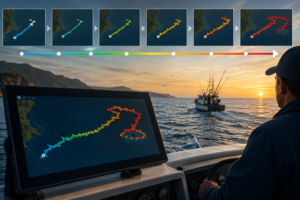
For serious sailors, the choice of navigation software is as critical as the choice of a primary anchor. It is the heartbeat of the cockpit, responsible for translating complex NEMA data and weather GRIBs into a safe, efficient path through the water. While many recreational boaters flock to mobile-first apps, the Rose Point Coastal Explorer has maintained a legendary status among long-distance cruisers and professional mariners.
In this 2026 review, we dive deep into why Coastal Explorer remains a powerhouse for sail navigation, how it integrates with modern hardware, and whether it holds its own against the rising tide of subscription-based mobile apps.
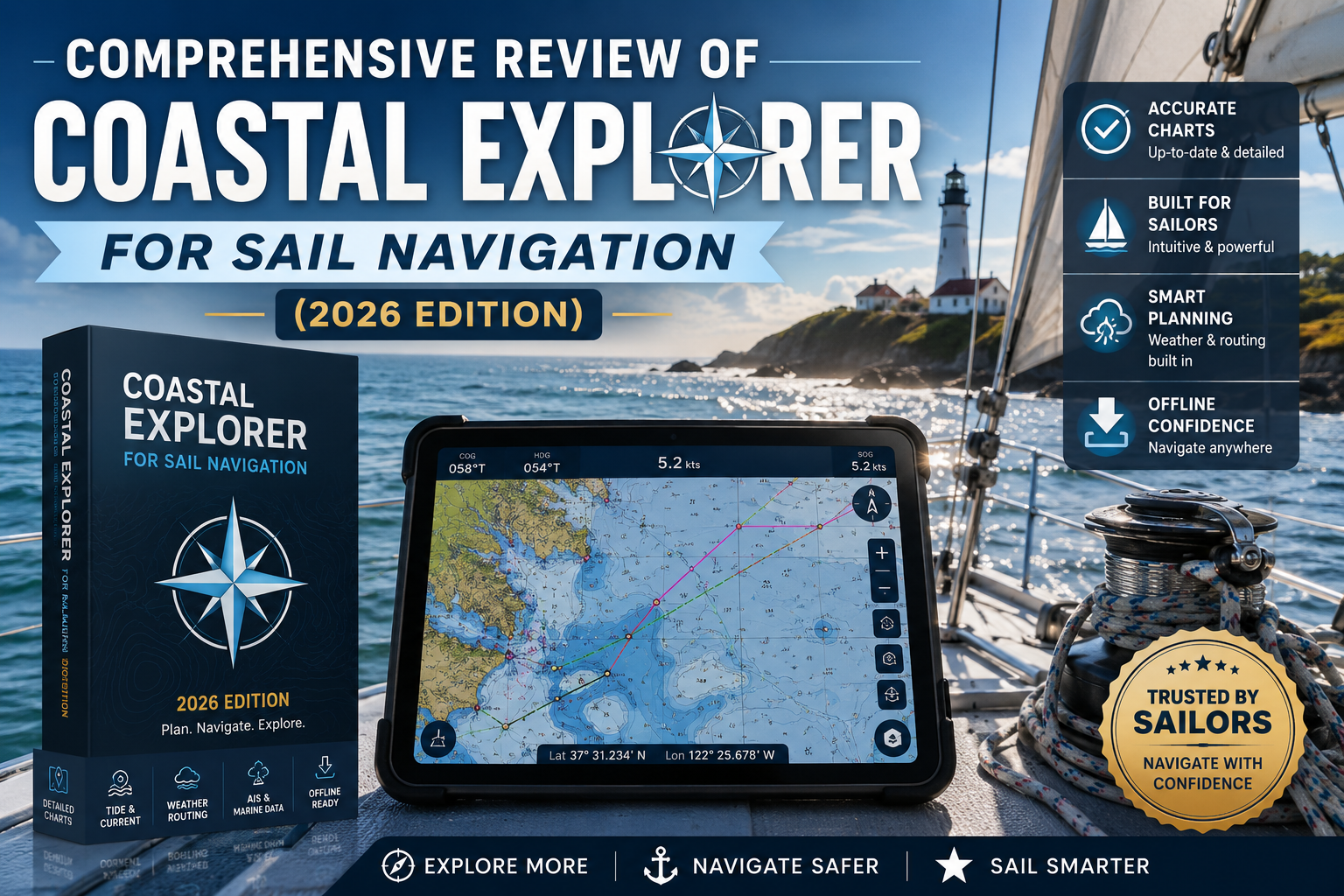
The Core Philosophy: Reliability Over Fluff
Coastal Explorer isn’t just a “chart plotter” on a screen; it is a sophisticated cruise planning and logging tool. Developed by Rose Point Navigation Systems, its architecture is built for the PC environment, which offers a level of processing power and screen real estate that tablets often struggle to match.
For a sailor, this means the ability to manage complex NMEA 2000 networking, overlay high-resolution NOAA nautical charts, and run detailed route- and obstacle-detection simultaneously without the lag associated with mobile hardware.
Key Performance Highlights:
-
Seamless Chart Quilting: The software automatically stitches together different chart scales and formats, ensuring you never “sail off the edge” of a digital page.
-
Advanced Route Planning: Unlike basic apps, Coastal Explorer uses “documents” rather than a hidden database. This allows sailors to organize waypoints and routes into specific voyage folders, which can be easily shared via the cloud or USB.
-
Integrated Guidebooks: Extensive integration with ActiveCaptain and the US Coast Pilot means you aren’t just looking at depths; you’re looking at real-time reviews of marinas and hazard warnings from other sailors.
Mastering the Interface: A Sailor’s Workspace
The Coastal Explorer user interface is designed for clarity in high-stress situations. In 2026, the software has evolved to support a more “native” look on Windows and iPadOS, moving away from the clunky menus of the past.
The Power of Split Screens
One of the most competitive features for sail navigation is the ability to split the screen into two, three, or four charts with a single click. A sailor can have:
-
A large-scale overview for long-term situational awareness.
-
A zoomed-in vector chart for navigating a narrow channel.
-
A raster chart for a familiar, paper-like feel of the coastline.
-
A dedicated virtual instrument panel showing depth, SOG (Speed Over Ground), and wind angles.
Sail-Specific Features: Beyond Point A to Point B
While powerboaters might care about top speed, sailors care about efficiency and safety. Coastal Explorer excels in several areas specific to the sailing community:
1. Weather Integration and GRIB Overlays
Navigation is nothing without weather. Coastal Explorer allows you to download and overlay weather forecasts directly onto your charts. Seeing a predicted 20-knot header directly over your planned route allows you to adjust your tacks hours before the wind shifts.
2. AIS and ARPA Support
In busy shipping lanes, situational awareness is life-or-death. Coastal Explorer provides robust support for AIS (Automatic Identification System) and ARPA (Automatic Radar Plotting Aid) targets. The software calculates CPA (Closest Point of Approach) and TCPA (Time to Closest Point of Approach), and provides voice alerts when a collision risk is detected.
3. Obstacle Detection
As you plot a route, Coastal Explorer scans the chart data for known hazards. If your proposed line crosses a 5-foot shoal while your draft is set to 6 feet, the software flags the route in red. This “second set of eyes” is invaluable during the fatigue of a multi-day offshore passage.
Coastal Explorer App: The iPad Revolution
For years, the main criticism of Rose Point was the lack of a mobile companion. The 2026 version of the Coastal Explorer iPad app has bridged that gap.
While the PC version remains the “brain” of the operation for heavy lifting, the app serves as the perfect “cockpit repeater.” Through Cloud-synchronization, any route planned on the laptop down below appears instantly on the waterproof iPad at the helm.
Pro Tip: For the best experience, ensure your iPad has a cellular chip (which includes internal GPS) or connect it to your boat’s NMEA gateway via Wi-Fi to repeat the ship’s high-accuracy GPS and depth data.
Competitive Analysis: Coastal Explorer vs. The Field
How does it stack up against the competition in 2026?
| Feature | Coastal Explorer | Navionics Boating | TimeZero (TZ Navigator) |
| Primary Platform | PC / iPad | Mobile (iOS/Android) | PC / iPad |
| Best For | Serious Cruising | Recreational / Fishing | Racing / High-End Yachts |
| Chart Support | NOAA, CHS, Rose Point | Navionics+ | C-Map, MapMedia |
| Networking | Exceptional (NMEA 0183/2000) | Limited | Exceptional (Radar integration) |
| Price Point | One-time + Subscription | Annual Subscription | Premium Tier Pricing |
While Navionics is the “gold standard” for quick mobile use, Coastal Explorer offers far superior ship’s log capabilities and NMEA device interfacing. If you are looking for an “all-in-one” system that controls your autopilot and monitors your tank levels, Coastal Explorer is the logical step up.
The Verdict: Is It Worth It?
Coastal Explorer remains the most balanced tool for the “active cruiser.” It lacks the steep learning curve of open-source projects like OpenCPN, yet offers significantly more professional depth than Navionics.
For the sailor who treats their boat like a home and their navigation like a craft, the investment in Coastal Explorer pays dividends in peace of mind. Whether you are coastal hopping or preparing for a trans-oceanic crossing, having a stable, feature-rich platform like Rose Point at your fingertips is a decision you won’t regret.
Final Score: 4.8/5
This article was created with AI assistance and reviewed by a human editor.
About The Author