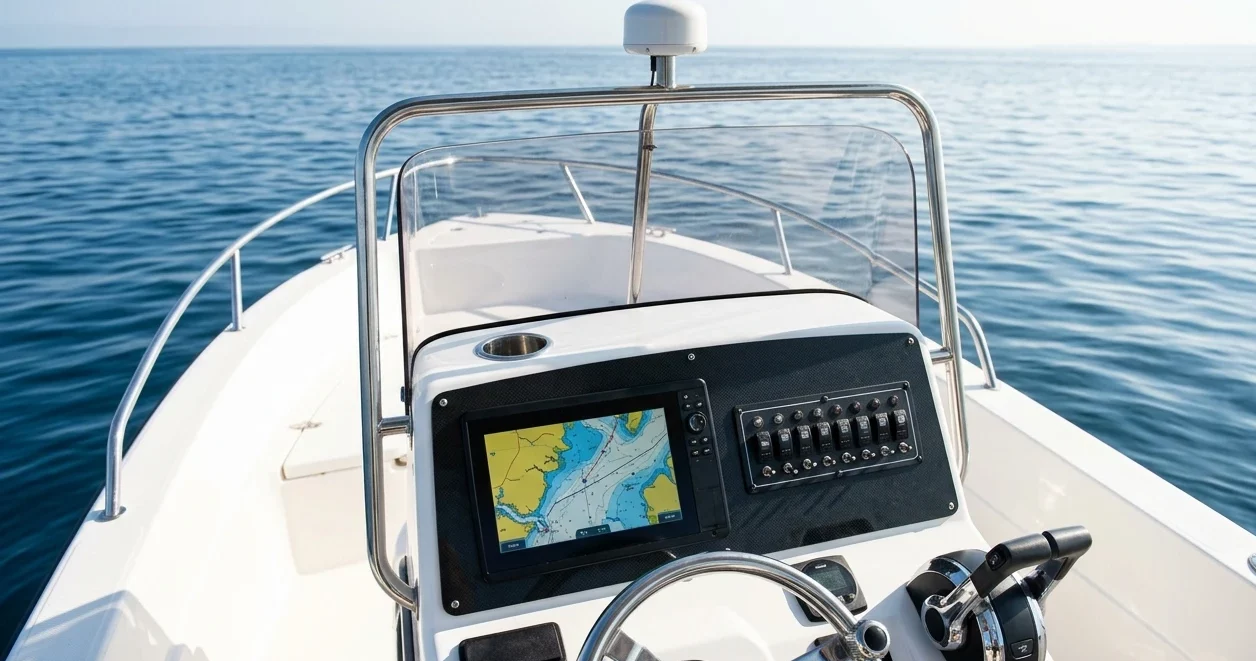
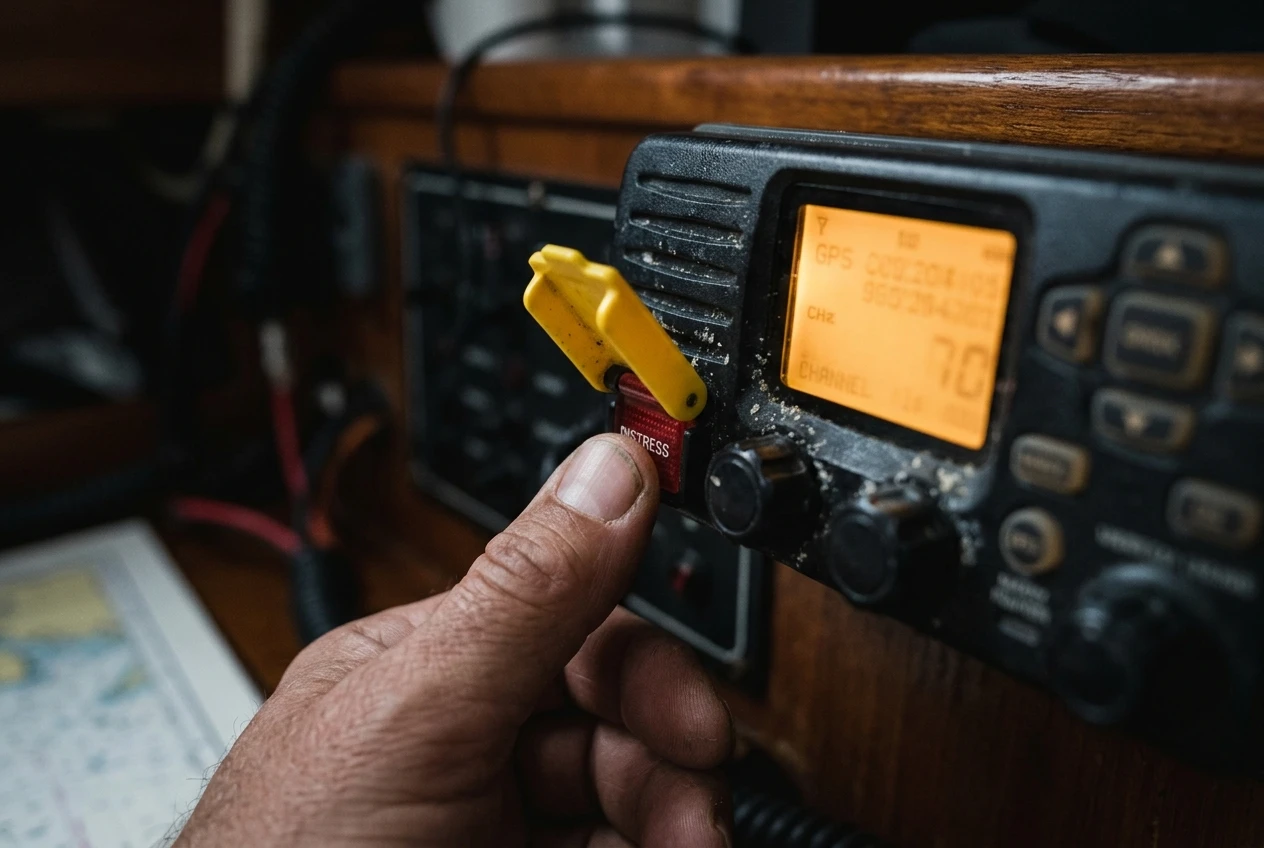
If you have a DSC-capable VHF aboard, you may know the red button under the flip cover is there for emergencies. You may not know what the radio does in the minutes after you press it, or what it expects from you. This article covers what to do after pressing the DSC distress button, from the sender’s seat: what appears on the screen, what you still have to say aloud, and how to cancel an alert you sent by mistake.
For the other side of the exchange, who receives the alert and how rescue gets organised, see who hears a DSC alert and what happens next. This piece stays with the person at the radio.
Lifting the cover and holding the button: what the radio does in those first seconds
The cover exists to stop accidental presses. Lift it, then press and hold the red DISTRESS button. On most sets you hold it for about five seconds while the radio beeps or counts down on screen. Releasing early cancels the attempt on most sets, so keep your thumb down until the display confirms the alert is sending. Your manual gives the exact hold time for your model.
Many radios also let you add the nature of the emergency first. Press and release the button once and a menu appears, usually with options such as fire, flooding, collision, grounding, sinking, disabled and adrift, man overboard and abandoning ship. Pick one, then hold the button to send. If you have no time for the menu, skip it and hold the button straight away. The radio then sends an “undesignated” alert, which is still a full distress alert. Rescuers just don’t see the type of emergency until you tell them by voice.
Once the alert goes out, the screen shows that a distress call has been sent and the set waits for an acknowledgment. Most radios also switch to Channel 16 by themselves, ready for your voice call. Check on the display that you are on 16 before you speak.
What the set sends automatically, and what it cannot send for you
The alert is a short digital burst sent on Channel 70, which is reserved for DSC. It carries:
- your vessel’s MMSI, the nine-digit identity programmed into the radio
- your position and the time that position was taken, if the radio has a GPS feed
- the nature of distress, if you selected one
The radio then repeats the alert automatically at intervals of a few minutes until it receives an acknowledgment or you cancel it. You don’t need to press the button again.
The burst cannot tell anyone how many people are aboard, what the boat looks like, whether anyone is in the water, or what you need. It is also not a voice call. A listening coast station or ship has your identity and a position, and nothing else until you speak. That is why the voice Mayday still matters after the digital alert has gone.
Why a missing MMSI or a stale GPS position quietly weakens the alert
Two faults reduce what the alert is worth, and neither announces itself during an emergency.
No MMSI programmed. The MMSI is what identifies your boat to everyone who receives the alert. On many sets the DSC functions will not operate until an MMSI has been entered, and a radio that never had one entered may not send a usable alert at all. Rescue centres can also look up registered details tied to an MMSI, such as vessel description and emergency contacts, but only if the number is registered. Check that your MMSI shows in the radio’s settings menu and that the registration is current.
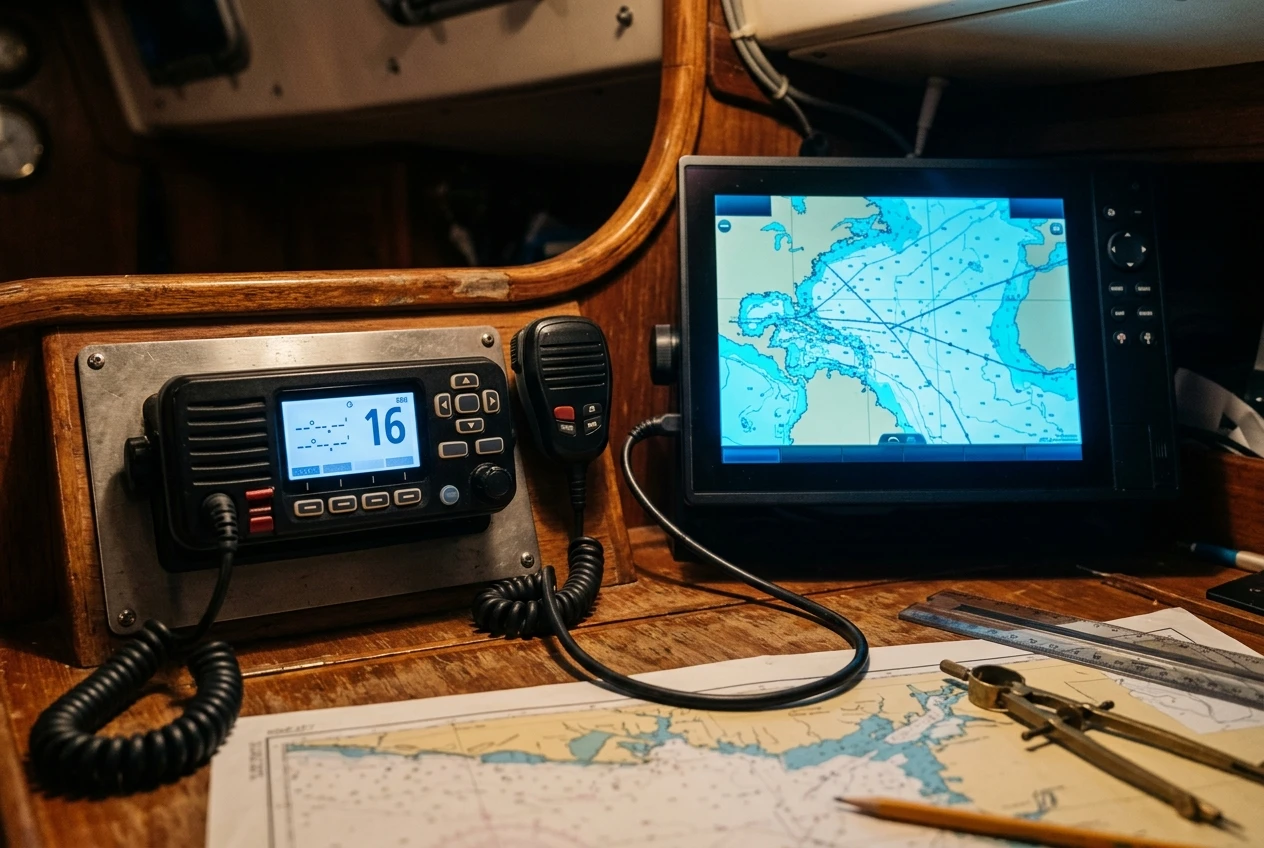
No position, or an old one. A radio with no GPS connection sends an alert with no position, or with a manually entered position that ages. Most sets show the time the position was last updated, and an alert carrying an old position can point searchers at where you were, not where you are. If your radio is connected to a GPS or chartplotter through NMEA, confirm that coordinates appear on the radio’s own screen. If it isn’t connected, learn how to enter a position by hand and keep in mind that you would need to update it as you drift.
Both faults are easy to find on a calm day and almost impossible to fix mid-emergency.
While you wait for an acknowledgment: switching to Channel 16 and the voice Mayday
Do not sit and watch the screen for the acknowledgment. Once the alert has been sent, go to Channel 16 if the radio has not already switched, make sure the radio is on high power, and start the voice call.
The standard Mayday format goes in this order:
- “Mayday, Mayday, Mayday.”
- “This is” followed by your boat’s name, spoken three times, and your MMSI or call sign.
- “Mayday” and your boat’s name once more.
- Your position: latitude and longitude, or a bearing and distance from a known landmark.
- The nature of your emergency, such as flooding, fire or a person overboard.
- What help you need.
- The number of people aboard.
- Any other detail that helps, such as boat type and colour, liferaft or EPIRB deployed, and injuries.
- “Over.”
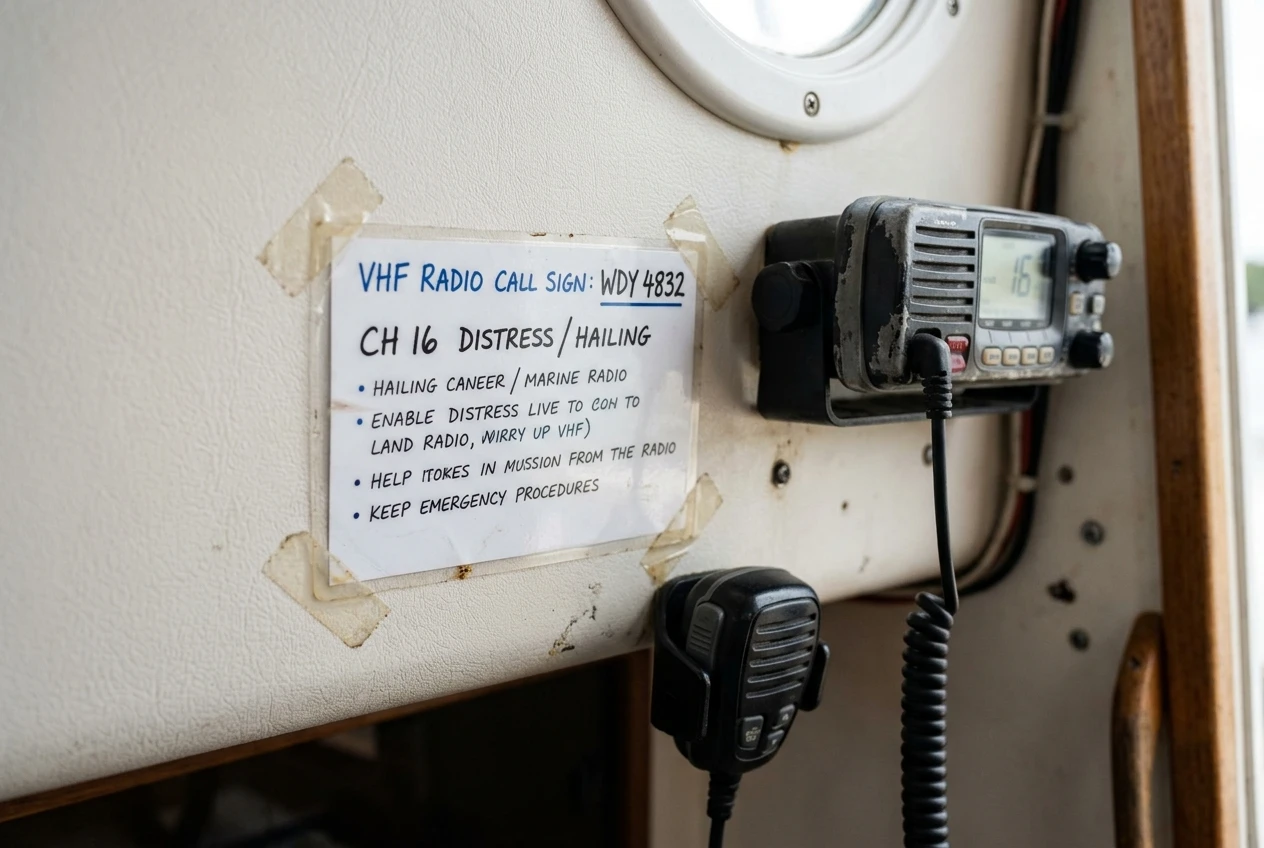
Speak slowly and clearly, with the microphone close to your mouth. Then release the button and listen. If a coast station or vessel answers, follow what they ask for. If there is no reply, repeat the call. A card with this script placed beside the radio saves you from remembering it while frightened. A one-page version is also useful in a ditch bag; the piece on what earns its place in a ditch bag covers what else belongs there.
What to do if nobody answers: repeat the alert and use your other devices
Silence after a few minutes does not mean nobody heard. Range on VHF is roughly line of sight, so a boat far from shore or from other vessels may be outside any listener’s reach. Keep going while you work on other options:
- Let the radio keep repeating the DSC alert, and repeat the voice Mayday on Channel 16 at regular intervals.
- Confirm the position is current, and update it if you entered it by hand.
- Activate your EPIRB if you carry one. It uses satellites, so it does not depend on anyone being within VHF range. The article on EPIRB vs PLB explains how the two differ.
- Use a satellite communicator, satellite phone or mobile phone if you have one and are in coverage, to reach emergency services directly.
- If you have a handheld VHF, check whether it also has DSC and can send an alert of its own. Many handhelds do not.
If you must leave the boat, take the handheld radio and beacon with you. The set bolted to the nav station stays behind.
For a closer look at the radio features that matter in this situation, such as GPS input, a dedicated distress button and handset design, see which marine VHF features actually help when you are calling for help.
Pressed it by accident? How to cancel a false alert properly
A false alert is common enough that every DSC radio owner should know how to deal with it. The radio keeps repeating the alert until it is acknowledged or cancelled, so doing nothing is not an option. Do these things promptly:
- Stop the radio repeating. Some radios have a cancel function in the DSC menu, so check yours. If yours doesn’t, switch the radio off. This stops further automatic transmissions.
- Switch back on and go to Channel 16. Use high power so the message carries as far as the alert did.
- Broadcast a cancellation by voice. Say “All stations, all stations, all stations,” then “This is” and your boat’s name, MMSI and call sign. Then say that you are cancelling your distress alert sent at the time in UTC, and give your position. Close with your boat’s name, MMSI and the time.
- Listen. If a coast station or vessel calls back for details, answer them. Rescue centres may already have started to act on the alert, and they need to hear that it was a mistake.
If the accidental press went out and you cannot reach anyone on the radio, call the local coast guard or rescue centre by phone if you can. Any prompt explanation is better than leaving a rescue service to search for a boat that is fine.
Never ignore a false alert on the grounds that it is embarrassing or probably went unheard. A cancellation takes a minute or two. An unexplained distress call can send aircraft and lifeboats.
A five-minute drill to run with your crew at the dock
Do not press the distress button for the drill. Everything below can be done without transmitting a real alert.
- Find the button. Every crew member points to it, lifts the cover, and says out loud how long the button must be held. The answer is in the manual.
- Read the MMSI. Open the radio’s settings and confirm the MMSI shown matches the one on your registration and on the card beside the radio.
- Check the position. Look at the radio’s screen for a position and a time. If you see none, or the time is old, fix the GPS connection or learn the manual entry procedure.
- Say the Mayday aloud. Each person reads the script from the card, with the boat’s name and a made-up position. This is a spoken rehearsal only. Do not key the radio on Channel 16.
- Walk through the cancellation. Read the false-alert steps aloud so everyone knows to switch the radio off and then call on Channel 16.
- Locate the other devices. Point to where the EPIRB, handheld VHF, satellite communicator and flares are stored, and who takes each one if the boat is abandoned.
Repeat the drill at the start of each season and whenever the crew changes. The radio will only send what it has been given, and the voice call depends on someone being able to say the words under stress. A few minutes at the dock covers both.
This article was created with AI assistance and reviewed by a human editor.
Disclosure: This post contains Amazon affiliate links. If you buy through them, we may earn a small commission at no extra cost to you.
About The Author


