NMEA 2000 GPS data dropouts can disrupt boating and navigation, ranging from minor irritations like error beeps to losing your position on navigation displays. Over the years, after plenty of hands on experience with marine electronics, I’ve tackled my fair share of GPS connectivity headaches.
Here, I’m sharing practical lessons, solutions, and NMEA 2000 troubleshooting tips that have kept my systems running smoothly and should help you keep your network reliable, too.
Getting to Know NMEA 2000 and Common GPS Data Dropout Issues
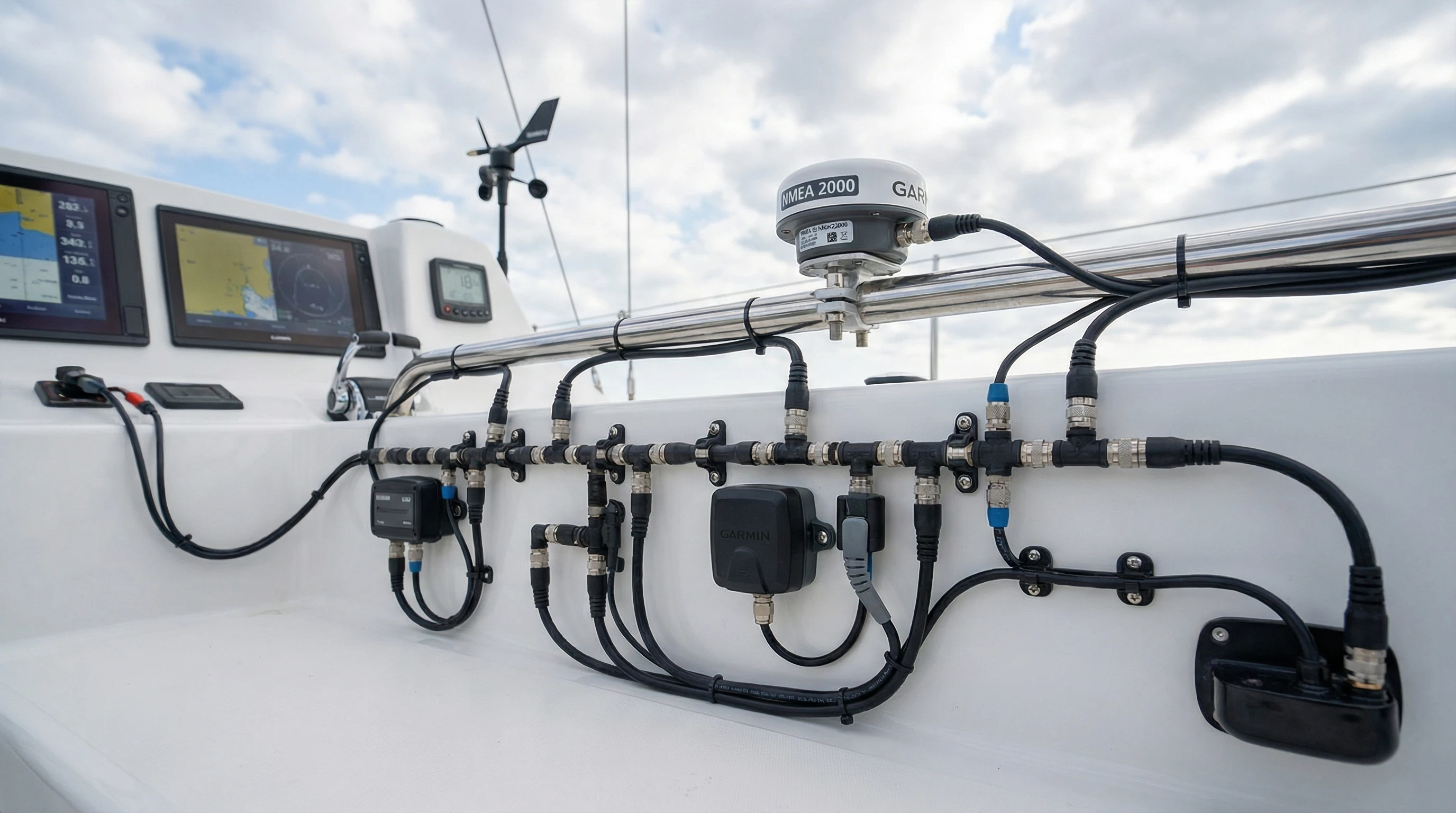
NMEA 2000 is the plug and play network standard in marine electronics, allowing you to connect GPS antennas, chartplotters, and sensors using a single backbone. While the concept is simple, real-world installations can still go sideways with GPS data dropouts, even on new boats. Knowing the basics of how NMEA 2000 delivers data and what typically leads to interruptions is the start to troubleshooting GPS signal loss.
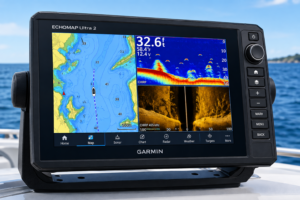
A typical dropout reveals itself as a sudden loss of GPS position, blinking red icons on your chartplotter, or error messages saying “No Fix” or “Position Lost.” The display might even freeze momentarily or lose key info such as heading, speed, or time. Causes are sometimes as simple as a loose connector, and other times trickier, like stray electrical noise.
I always start by giving the network’s key parts a once over: power supply, backbone cabling, terminations, and making sure every connection is snug and corrosion-free.
How I Tackle the NMEA 2000 Troubleshooting Process
Troubleshooting GPS connectivity problems with NMEA 2000 is best done step by step. I stick to a simple, logical troubleshooting checklist, starting with the obvious and working my way toward more technical fixes. Here’s how I approach solving GPS data dropouts:
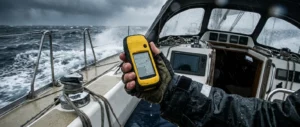
- Confirm the Issue is on the Network: I connect the GPS directly to a display, bypassing NMEA 2000, to see if the dropout remains.
- Power and Voltage Testing: Using a multimeter, I check for stable 12V (acceptable is 9–16V) all along the backbone. If voltage falls below 9V, strange dropouts can pop up, especially for GPS units sensitive to voltage changes.
- Check Network Terminators: There should be a single 120 ohm resistor at each end of the backbone. If one’s missing, or extras are in odd locations, the network can misbehave.
- Inspect Connectors and Tees: One of the biggest causes for dropouts is a loose, corroded, or damp connector. I twist and reseat connectors, always checking for moisture or green corrosion.
- Device Isolation: If problems only happen when a certain device is used, I disconnect one device at a time to find the troublemaker.
- Review Error Codes: Modern displays usually keep a log of NMEA 2000 error codes. This can point me toward missing devices, power faults, or even excessive traffic.
Following this process lets me target GPS connectivity problems methodically, rather than guessing blindly.
Understanding Error Codes on NMEA 2000 Devices
Most top marine electronics brands have their own diagnostics for NMEA 2000, giving insights through error codes and LEDs. Here are a few examples I’ve encountered and what they tend to mean:
- No Fix/Position Lost: The GPS antenna can’t see satellites, which can mean a wiring slip, a bad spot for the antenna, or a minor software hiccup.
- Bus-Off: The device is overwhelmed by too much network chatter or interference. Sometimes, power cycling or unplugging a noisy device helps.
- Source/Address Conflict: Two devices end up with the same address. Resetting addresses or applying firmware updates usually fixes it.
- Low Voltage Warning: Getting power readings below 9V nearly always points to a wiring or corrosion issue.
- Network Overload/Frame Loss: Faulty hardware or too many messages flying around can overload the network’s capacity, causing data interruptions.
Reference guides for your specific brand, like Garmin, Raymarine, or Lowrance, are helpful because each company might use slightly different codes and solutions.
Biggest Reasons for NMEA 2000 GPS Data Dropouts I’ve Encountered
After years of repairs and installs, these root causes come up again and again on my boats and for friends:
- Poor Power Supply: Unsteady or corroded power connections almost always crop up as the number one reason for intermittent dropouts. A shaky 12V feed throws GPS units off quickly.
- Poor Network Layout: Daisy chaining instead of true backbone layouts create problems. I double-check networks match the drawings from the maker.
- Mistakes With Terminator Placement: Missing, extra, or misplaced terminators create resistance issues. I use an ohmmeter—expect resistance near 60 ohms if correct.
- Old or Damaged Cables: Salt, UV, and vibration all do damage over time. Brittle or greened cables are on my replacement list immediately.
- Device Address Conflicts: Adding gear without checking addresses leads to “devices talking over each other,” resulting in data loss.
- Outdated Software or Firmware: Buggy or outdated code stirs up conflicts, especially with different brands on one network.
- Electrical Interference: Ignition systems or AC cables routed close to the backbone can mess with data flow. I keep NMEA 2000 wires away from big power lines wherever possible.
Sorting these issues is usually all it takes to bring stability back to your GPS readouts.
GPS Data Dropouts Solutions That Worked for Me
I’ve run through plenty of troubleshooting tricks, but the following solutions have proven themselves time and again for fixing NMEA 2000 dropouts:
- Secure Every Connection: Reseating, cleaning, or swapping connectors that look rough has saved me more than once. Dielectric grease shields contacts from salt and moisture.
- Add Extra Power Feeds: On longer networks, feeding power from both ends completely fixed low voltage dropouts for me.
- Update Firmware and Software: Loading the latest updates for GPS and displays patches many stubborn bugs. Maker websites offer the files and exact steps.
- Install Network Diagnostic Tools: Brand specific NMEA 2000 testers allow you to observe live traffic, voltage, and errors, saving tons of guesswork.
- Physically Isolate Suspect Devices: Removing one device from the backbone at a time can expose the troublemaker, whether it’s an older chartplotter or autopilot causing bad data.
With these methods, I’ve found everything from obvious failures to extremely sneaky network issues, sometimes within minutes.
NMEA 2000 Troubleshooting Tips & Good Habits
Over time, I’ve adopted habits that smooth out troubleshooting GPS data dropouts and help prevent them altogether. Here are a few tips that don’t just save time, but prevent headaches down the road:
- Label Cables and Devices: Labeling cables at both ends and snapping quick photos pays off when something misbehaves months or years later.
- Keep Spare Parts Onboard: Having a spare terminator, T connectors, and short cables means you’re not stranded if something fails unexpectedly.
- Test After Every Install: Any time I change the network, I run the system for 10 minutes, watching for strange behavior before calling it complete.
- Review Manuals and Wiring Drawings: Installation diagrams often reveal small but critical network requirements you might overlook otherwise.
- Document With Photos: Pictures really help when you need support over the phone or email and can also be a time saver if you tweak things later.
Being prepared and methodical does more for reliability than panicking when problems arise.
Top NMEA 2000 Troubleshooting Products I Recommend
Your troubleshooting is easier when you have the right gadgets within reach. For anyone serious about fixing NMEA 2000 GPS dropouts, I recommend keeping these on hand:
- Marine Multimeter: For checking voltage along the backbone and spotting drops near sensitive gear like GPS antennas.
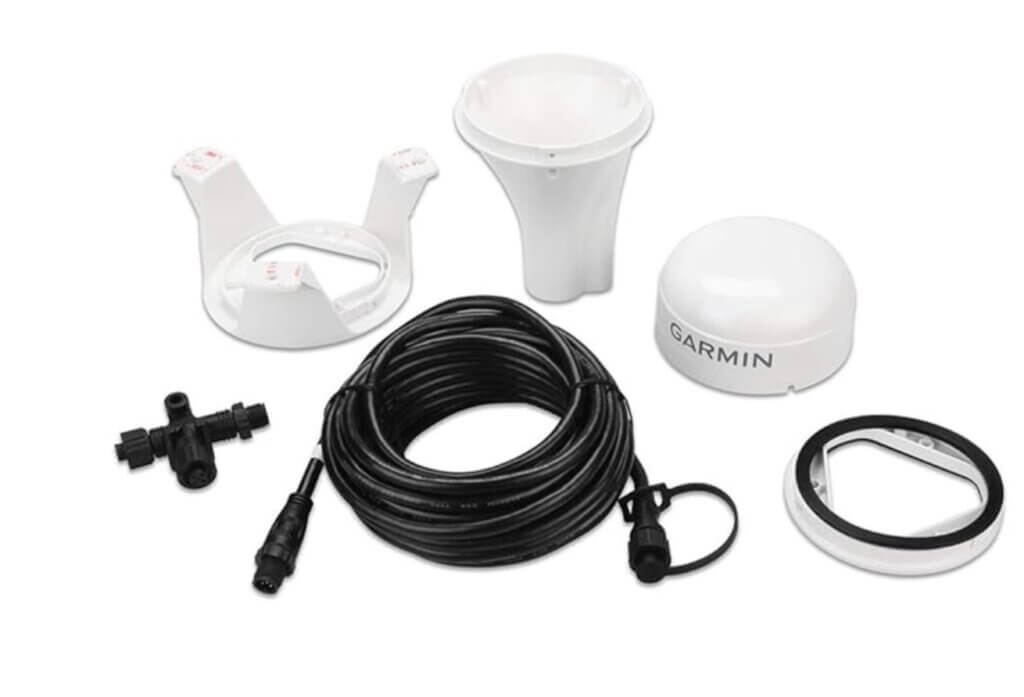
- NMEA 2000 Network Tester: Plugs directly into a T connector and reads error stats and voltage instantly. Maretron, Actisense, and Garmin all make proven versions.
- Extra Terminators and Drop Cables: Losing a terminator is surprisingly easy, and spares can turn hours of waiting into a 5-minute fix.
- Diagnostic Adapters: USB to NMEA 2000 adapters allow direct laptop hook-up, helping you trace traffic or log errors with network software.
I seek out reputable brands and double check compatibility before adding any new network gear.
Real World Example: Diagnosing a Tough GPS Dropout
Let me share a real life case from my logbook: A friend’s navigation display kept losing GPS position whenever the diesel generator started up. Using my NMEA 2000 troubleshooting checklist, I noticed that voltage on the network backbone dipped to 8.5V as soon as the generator roared to life. The fix was running a thicker power cable and shifting the NMEA power to its own battery, problem solved. It’s a classic reminder that seemingly unrelated systems can cause GPS connectivity problems, especially on complex boats.
NMEA 2000 Troubleshooting Checklist to Keep Handy
I made myself a go-to checklist that I keep on my phone and with my boat’s manuals. It might save you some time the next time GPS issues pop up:
- Are both backbone terminators in place, one at each end?
- Is the backbone voltage steady and within the 9 to 16V window?
- Are connectors dry, clean, and locked tight?
- Is your network a backbone layout, not daisy chained?
- Any error codes shown on your displays or diagnostics?
- Does every device have current firmware?
- Did anything change recently (devices, wiring, etc.)?
Running through these steps one at a time almost always leads me to the issue, whether it’s a quick fix or a complicated tangle of wires.
Frequently Asked Questions
Boaters often ask about NMEA 2000 GPS dropouts. Here are a few top questions, with straight answers from experience:
Question: What causes NMEA 2000 GPS data to drop out without warning?
Answer: Most times, I spot voltage drops, bad connectors, or backbone layout flaws. Sometimes, electrical noise from other systems sneaks in.
Question: Can old firmware actually lead to GPS dropouts?
Answer: Without a doubt. Outdated firmware might lack fixes crucial for GPS stability, so I always scout for updates when troubleshooting.
Question: How can I tell if my terminators are correctly installed?
Answer: You want one at each backbone end, not in the middle or on spurs. I measure resistance at the backbone; it should hover close to 60 ohms.
Question: Is a special tester necessary for NMEA 2000 troubleshooting?
Answer: While a basic voltmeter gets you far, having a dedicated network tester speeds things up and uncovers harder to catch issues.
Wrapping Up
NMEA 2000 GPS data dropouts can drive anyone a little crazy, but some organized, steady troubleshooting will solve most. Knowing your network, documenting everything with labels and photos, and keeping a few trusty tools nearby has saved me countless hours. When navigation glitches crop up, working through basics, power, connectors, layout, step by step is usually the best path to a fix.
For super detailed technical guides and wiring diagrams, I rely on manufacturer support sites and boating forums where seasoned sailors share their fixes. Staying proactive, inspecting your system now and then, means you’ll have reliable GPS service and spend more time actually enjoying the adventure on the water.
About The Author