Boaters who try to improve GPS reception inside a boat cabin often start by buying something, only to find the problem is a single material between the receiver and the sky. GPS satellites orbit roughly 20,000 kilometers up, so by the time their signals reach your boat, they are very weak. An open deck and a clear view of the sky are enough. Put a conductive layer overhead and the receiver may drop its fix, report a wandering position, or take minutes to lock on.
The same cabin can behave differently from one spot to the next, which is why the order of work matters. Find where the signal drops, figure out what is blocking it, then decide whether to move the receiver or add an external antenna.
Why GPS signals struggle to get into a boat cabin
A GPS receiver needs a line of sight, or close to it, to several satellites at once. It calculates position from the timing of signals from at least four. If the cabin cuts off enough of the sky, the receiver may see only two or three satellites, and the position fix degrades or disappears.
Radio waves pass through some materials and are reflected or absorbed by others. Wood, plain fiberglass, canvas, vinyl and ordinary clear glass let GPS signals through with little loss. Anything that conducts electricity well, such as sheet metal, metal mesh, foil, or a metallic coating, reflects the signal back toward the sky.
Below deck, you also have the whole structure above you. Even if each layer weakens the signal only a little, a deckhead with a headliner, insulation, a deck core, and a hardtop stacked on top can add up to too much loss.
Which cabin materials block the signal, and which let it through
The materials most likely to cause trouble:
- Aluminum: Solid aluminum decks, hardtops, cabin tops, and hulls block GPS signals almost completely. A receiver inside an aluminum cabin with no nearby windows usually won’t get a fix at all.
- Steel: Behaves the same way as aluminum. Steel boats need an antenna outside the hull structure.
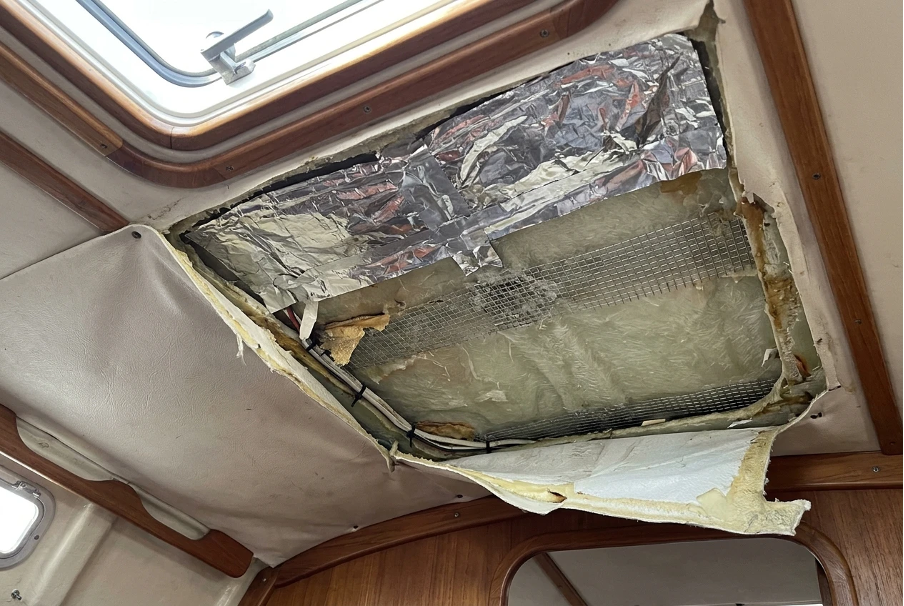
- Fiberglass with metal reinforcement: Plain fiberglass is nearly transparent to GPS. The trouble comes from what is laminated into it: metal mesh, foil layers, aluminum backing plates, or embedded structural metal. Two boats with similar-looking fiberglass cabins can behave very differently depending on what is inside the laminate.
- Carbon fiber: The fibers conduct electricity, so carbon fiber panels and hardtops can shield the signal much like a thin metal sheet does. Weight-saving carbon tops are a common surprise on newer boats.
- Tinted or metalized glass: Some windshield and window glass carries a metallic film, either as a solar-control coating or a heating layer. Standard clear or lightly tinted glass passes the signal; glass with a reflective metallic layer can weaken it a lot.
- Foil-faced insulation: Reflective foil used behind headliners and in cabin liners works as a shield. It is easy to miss because it is hidden behind a panel.
Materials that generally let the signal through are wood, plain fiberglass, acrylic, canvas, vinyl and foam without a foil face. Your cabin is likely a mix of both groups, so the test in the next sections tells you which one matters.
Windshields, hardtops and bimini frames: the overlooked culprits above the helm
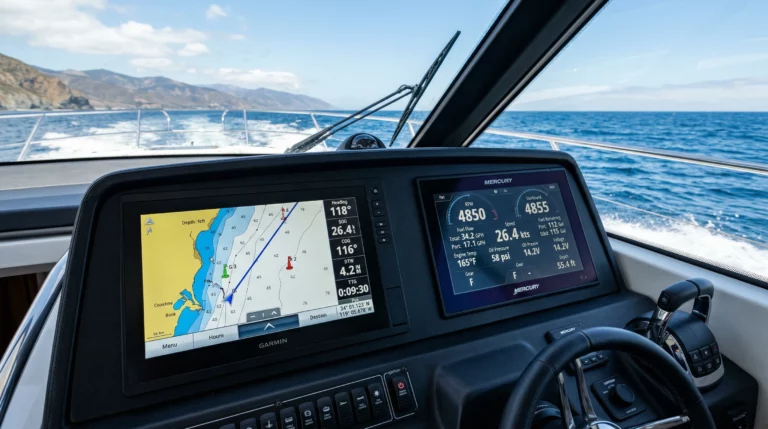
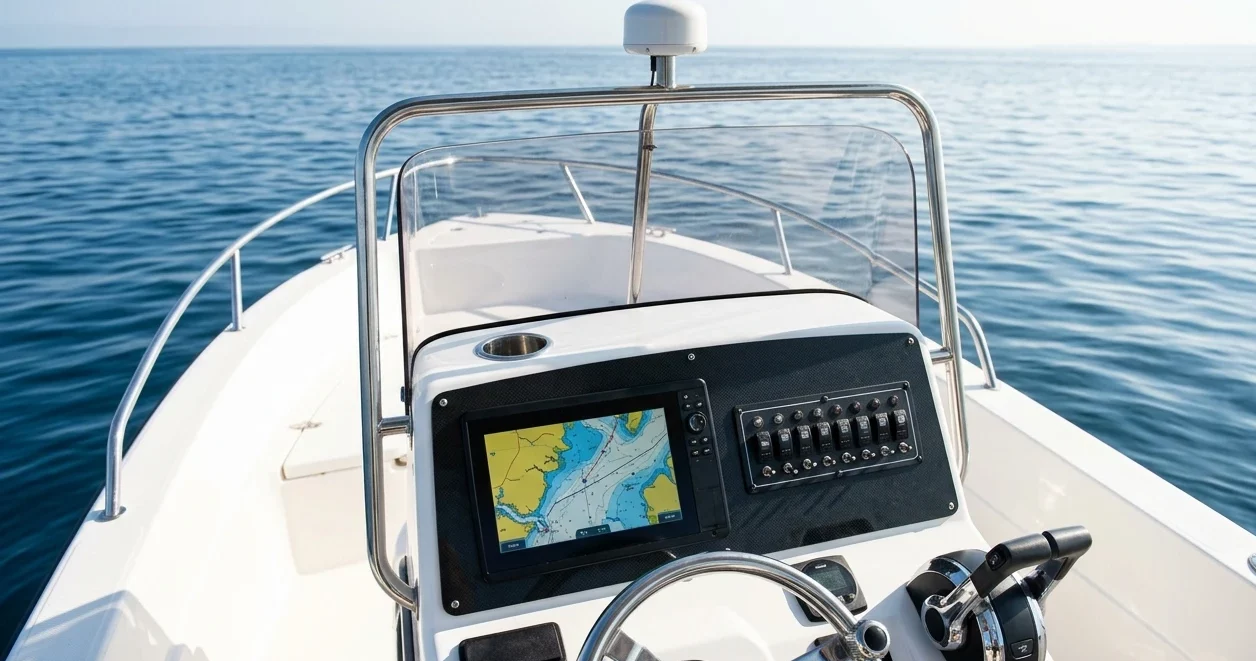
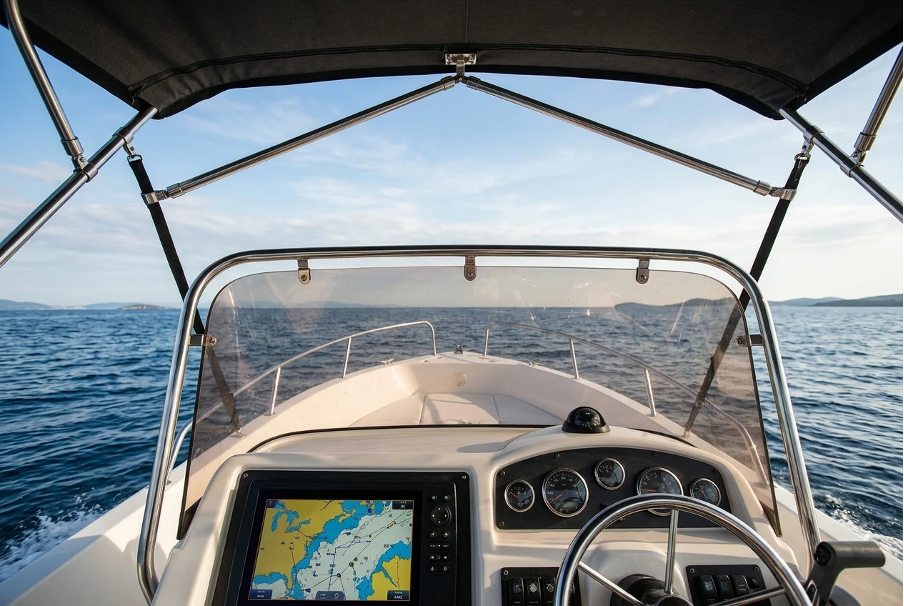
Many boaters assume the problem is the hull or the cabin walls, when the real issue is directly above the helm. A receiver on the dash sees the sky through the windshield, so whatever the windshield is made of and whatever sits above it determines what the receiver can see.
Three things to check:
- The windshield glass. If it has a metallic film or heating layer, the receiver on the dash is working through a partial shield. Look for a manufacturer label in a corner, or check the boat’s documentation.
- The hardtop or overhead. A solid hardtop over the helm hides a large part of the sky even when it is made of a material that passes the signal, and if it is aluminum or carbon fiber, it can block it entirely.
- The bimini frame and radar arch. A canvas top is transparent to GPS, but the aluminum or stainless tubing under it is not. Tubing blocks only a narrow slice of the sky, but a receiver placed directly beneath a cluster of tubes loses satellites it would otherwise have.
Dashboards also tilt the receiver toward the windshield rather than straight up. GPS antennas work best facing the sky, so a unit lying flat on a dash sees more than one mounted nearly vertical.
How to test your cabin for dead spots before you buy anything
A short test tells you where the problem is and costs nothing. You need your GPS unit or a handheld, a notepad or phone for notes, and ten minutes at the dock or on a calm day.
- Set a baseline in the open. Stand on the open deck or the bow, away from any overhead structure, and let the unit run until it has a stable fix. Open the satellite status page (most units have one) and note how many satellites it sees and how strong the signal bars are. This is your best case.
- Walk the same unit to each location you care about. Try the helm, the dash, the cabin table, the berth, and the spot where the fixed unit is mounted. At each one, wait a minute or two and record the satellite count, the signal strength, and whether the position holds still.
- Check for drift. A boat at the dock should show a position that barely moves. A position that wanders by a noticeable distance while you are tied up means a weak or unbalanced set of satellites.
- Repeat with the engine running and the electronics on. Some electronics, such as poorly shielded chargers, LED lights, and other radios, can add noise near a receiver. If the signal is fine with them off and poor with them on, the cause is interference rather than a blocking material.
Once you have the notes, the pattern usually shows. If the signal is good by the windshield and poor at the table, the cabin top is the problem. If it is poor everywhere inside, the structure is shielding the whole cabin.
Quick fixes: moving a handheld or fixed unit to a better position
With the dead spots mapped, look at what you can move.
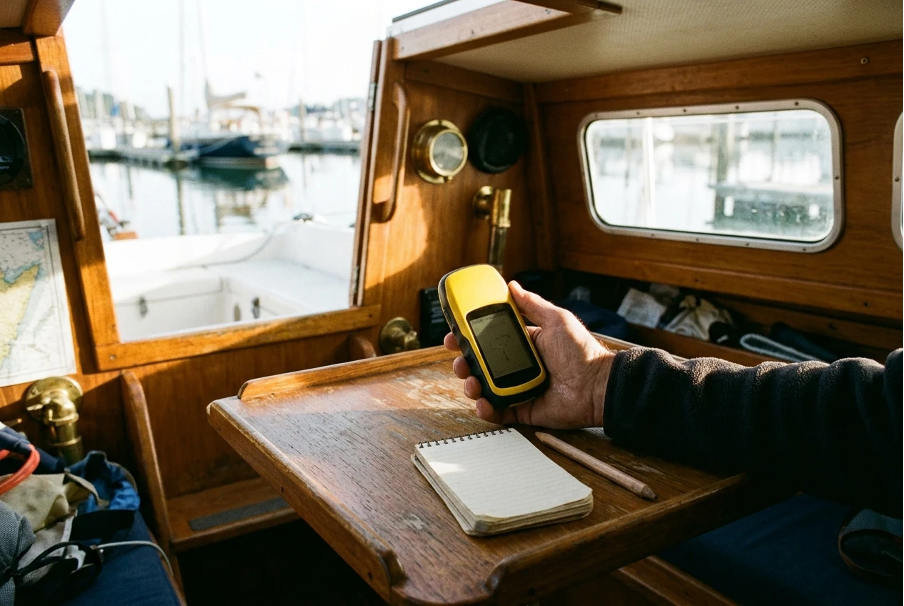
Handheld units are the easiest. Place the unit on the dash close to the windshield, face up, or clip it somewhere that gives it the widest view of the sky. If the windshield has a metallic film, try the side window or open the hatch and hold the unit in the opening. Many boaters keep a handheld on a lanyard or suction mount at a spot found during the test.
Fixed units with a built-in receiver are harder, because the mounting position is usually set by where you want to read the screen. If the unit can be moved a few inches toward the windshield, or tilted to face more upward, that alone can help. If the screen has to stay where it is, the receiver may never get a good fix in that spot, which points to an external antenna.
Other small changes worth trying:
- Remove items from the dash that sit between the receiver and the glass, such as foil sunshades or a phone with a metal case.
- Move the receiver away from the radar display, the VHF radio, and any charger.
- Keep the receiver clear of the bimini frame tubing.
If one of these fixes gives a steady fix at the helm, you may not need anything else.
When an external antenna is the right answer, and what to look for in one
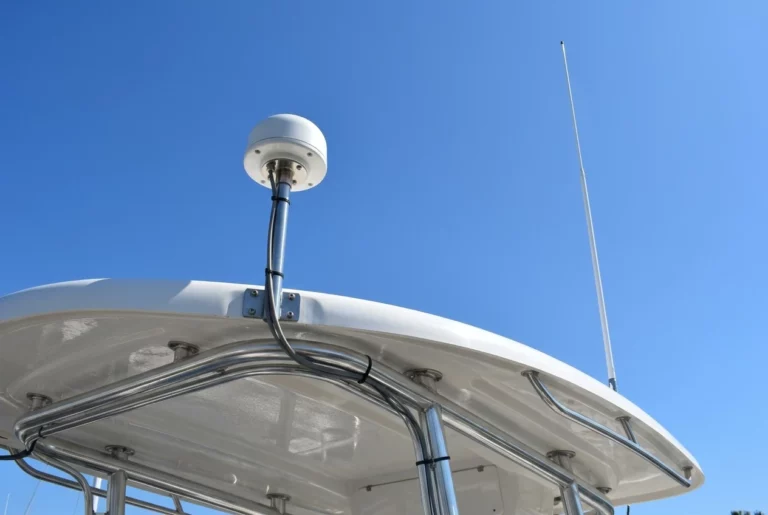
An external antenna makes sense when the test shows the cabin as a whole blocks the signal, when the receiver has to stay where the screen is readable, or when your boat is built of aluminum, steel, or carbon fiber. It puts the receiving element outside or above the shielding material and sends the signal down a cable.
What to look for:
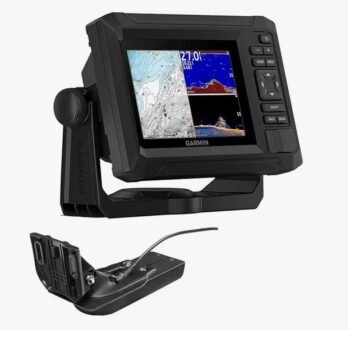
- Compatibility with your unit. Check the manual for which antennas the chartplotter or GPS accepts and how they connect. Some units take a dedicated GPS puck, others take data from an antenna over NMEA 0183 or NMEA 2000, and a few offer neither.
- A clear mounting location. The antenna should have a wide view of the sky, so it needs a place on the cabin top, a rail, a mast or an arch that is free of obstruction.
- Marine rating. Choose an antenna built for outdoor marine use with a sealed housing and sealed connectors, because it will sit in spray and sun.
- Mount type. Many marine antennas use a standard threaded mount, but check that it matches the pole, bracket, or flat surface you plan to use.
- Cable length. A longer cable loses more signal, so choose the shortest length that comfortably reaches the helm, and check the manufacturer’s maximum.
Mounting and cable mistakes that undo a good antenna
A well-chosen antenna can still perform badly if it is installed carelessly. These mistakes show up often:
- Mounting it low or in a shadow. An antenna on the cabin top that sits beside a solid arch, a mast, or a tall rail loses part of the sky. Higher and more open is better.
- Putting it next to other transmitters. Mounting a GPS antenna close to the radar scanner or the VHF antenna invites interference. Check the manufacturers’ guidance for clearances and give the GPS antenna its own space.
- Running the cable beside power wiring. A GPS cable bundled tightly with engine, inverter, or pump wiring can pick up electrical noise. Route it separately where you can.
- Sharp bends and pinched cable. Tight kinks and cable squeezed under hatches or through hardware can damage the cable and weaken the signal.
- Unsealed deck and connector entries. Water that enters at a connector or where the cable passes through the deck can corrode the contacts. Seal the entry and use the supplied connector covers.
- Making up your own splices. Joining cable with generic connectors or unshielded splices adds loss. Use the connectors made for the cable, or buy a pre-terminated length.
- Coiling excess cable near the receiver. If the cable is too long, run the extra length in a loose, wide loop away from other wiring instead of a tight coil behind the unit.
After installing, repeat the satellite check from the testing section at the same spots. Compare the numbers with your earlier notes to see whether the change fixed the problem.
Choosing a setup that fits your cabin
If you want a refresher on what each part of the system does, the guide on how a GPS antenna, chartplotter, and fishfinder talk to each other covers the connections. And if your test results leave you deciding between a unit you can carry to the best spot and one fixed at the helm, the handheld vs. fixed mount comparison lays out how each suits different trips, so you can pick the right setup for your cabin.
This article was created with AI assistance and reviewed by a human editor.
Disclosure: This post contains Amazon affiliate links. If you buy through them, we may earn a small commission at no extra cost to you.
About The Author