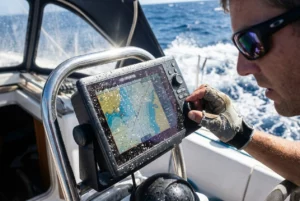
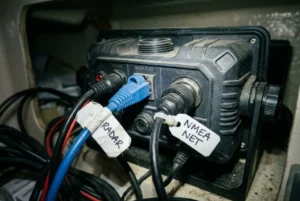
If you are choosing an AIS transponder for passages that take you weeks from the nearest chandlery, the label on the box matters less than four things: how reliably the unit transmits, how it is wired to its antenna, how much power it draws, and what you can do when it stops working. This article explains what separates SOTDMA Class B units, which differences matter at sea, and which unit suits which sailor.
One note on figures. Power draw, network outputs, and feature sets change between hardware revisions, so this article doesn’t quote model-by-model numbers. It does state what the AIS standard fixes for every compliant unit, and it lists exactly what to read from a manufacturer’s current data sheet before you pay.
Class B, Class B+ and SOTDMA: what the label actually means for your transmissions
AIS transponders for recreational boats come in two Class B types. The older type is Class B CSTDMA (carrier-sense). The newer type is Class B SOTDMA (self-organizing). “Class B+” is a marketing name, not a term in the technical standard, and it almost always means the SOTDMA type. When a data sheet says “Class B/SO” or “SOTDMA”, that is the same thing in the standard’s own words.
The two differ in how they get their messages onto the shared radio channel:
- CSTDMA listens for a gap in the channel and transmits into it. On a crowded channel, near a port or in a busy shipping lane, it may have to wait for a gap.
- SOTDMA reserves future time slots and announces them, as Class A units on commercial ships do. Other stations know when to expect your next transmission and avoid that slot.
The transmit power also differs. Class B CSTDMA units transmit at 2 watts. Class B SOTDMA units transmit at 5 watts. A Class A unit on a ship transmits at 12.5 watts, so even the best Class B signal is weaker than the ships you are trying to reach. Extra power helps a little at the edge of range, but a good antenna helps more (see the installation section below).
The standard also sets reporting rates. A SOTDMA Class B unit reports about every 30 seconds at speeds between 2 and 14 knots, which covers nearly all sailing. Below 2 knots, it reports only every 3 minutes. In a flat calm, or drifting while you wait for wind, a ship’s officer sees your position update much less often. A moving dot every three minutes is easy to misjudge at closing speeds, so keep a visual watch and a radar watch going when you are slow. The night watch routine with radar, AIS and a chartplotter covers how to combine them.
Class B also sends less information than Class A. It broadcasts your position, course, speed, vessel name, call sign, dimensions, and type. It does not broadcast a destination or ETA.
Why a receiver-only unit is not enough offshore
A receiver-only AIS unit shows you the ships around you. It doesn’t show them you. For coastal pilotage, that may feel like enough, since you are the one watching the screen. Offshore, the reverse matters more: the large vessels you share a route with are crossing at 15 to 20 knots or more, and the person on their bridge decides whether to alter course based on what they can see of you.
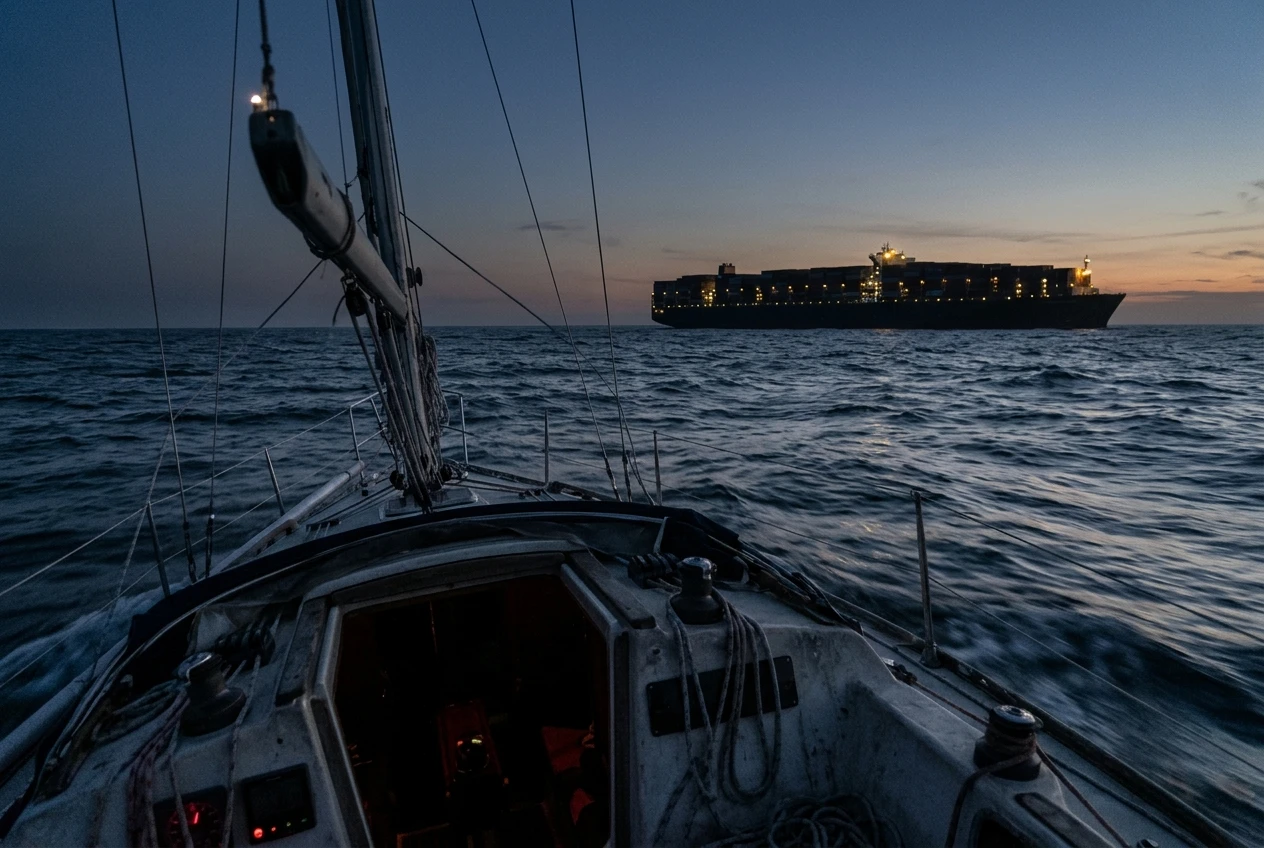
A small sailboat can give a weak radar return, especially in a sea state that produces clutter. A transponder gives the ship’s AIS display a labeled target with your name, course, and speed. It also lets their system calculate closest point of approach and sound alarms based on your actual movement. None of that happens with a receiver-only unit because, from the ship’s point of view, you aren’t on the screen.
There are limits. A transponder only helps with ships that are watching, and some are not watching closely. A transponder also does nothing for vessels without AIS, such as small fishing boats and many yachts. That is why you still need radar and a lookout. If you are deciding which to buy first, radar or AIS on a sailboat compares what each one misses. For most offshore plans, the answer is both, with a SOTDMA transponder rather than a receiver for the AIS half.
What to compare: transmit power, GPS, power draw, network output, and display options
The standard sets the baseline, so the useful comparison is between the things the standard leaves open. Here is what is fixed and what varies.
Feature Fixed by the standard for Class B SOTDMA Varies by model: read the data sheet Transmit power 5 W Nothing to compare; confirm the unit is SOTDMA, not CSTDMA Reporting rate About 30 s at 2 to 14 knots, 3 min below 2 knots Nothing to compare Built-in GPS Required for timing and position External GPS antenna or internal, and whether it can take position from the network Power draw Not specified Current at 12 V while receiving and while transmitting, and any standby or silent mode figure Network output Not specified NMEA 0183, NMEA 2000, USB, Wi-Fi, Bluetooth, or a combination Antenna connection Not specified Built-in VHF splitter or a separate antenna port Fault reporting Not specified Alarm relay or output, status LEDs, antenna fault detection Silent mode Not specified Whether there is a switch and whether it can be reached easily
Power draw at sea
Look for the current draw in amps at 12 V, both while receiving and while transmitting. Because the unit is always on, the receiving figure dominates the daily total. To estimate your daily cost, multiply the continuous current by 24. A unit drawing 0.2 A all the time would use 4.8 amp-hours a day. That figure is only an example of the arithmetic, so replace it with the data sheet number. Compare the result with what your solar or wind generation actually puts back, since AIS runs alongside the chartplotter, instruments, and autopilot.
Network output and display
Match the output to what you already own. Many chartplotters accept AIS over NMEA 0183 at the higher 38,400 baud rate that AIS needs, and some older chartplotter ports cannot be set to that rate. Check your plotter’s manual before assuming a unit will work. If your boat runs NMEA 2000, a unit that connects directly saves you from needing a multiplexer. If you want AIS targets on a tablet or laptop, USB or Wi-Fi output covers that. Some people choose a unit with several outputs so the chartplotter and a tablet can both show targets, and to have a second screen if the plotter fails. For what to look for in the plotter itself, see chartplotter features that matter when you are weeks from land.
Fault reporting
This is the most overlooked row. A transponder that cannot transmit, because of a damaged antenna cable or a lost GPS fix, may look perfectly normal on the plotter. You only find out when a ship calls you on VHF to say it cannot see you, or never. Prefer a unit that tells you when it is not transmitting, through a status light you can see from the nav station, an alarm output, or a message on the network.
The shortlist: current SOTDMA Class B transponders compared side by side
Several established makers sell SOTDMA Class B transponders, including Vesper Marine, Digital Yacht, em-trak, Garmin and Raymarine. Prices and model lines change often, and a name on a list doesn’t tell you how a particular revision performs on your boat. Treat the table below as the sheet to complete from each maker’s current data sheet, not as a ranking.
Before you buy any unit, confirm each of these from the manufacturer’s own documentation:
- The class is SOTDMA (Class B/SO), not CSTDMA. Some older and cheaper units look similar but transmit at 2 W.
- Receive and transmit current draw at 12 V.
- Which network outputs are included, and whether any need an extra cable or adapter at an extra cost.
- Whether the VHF splitter is built in, or whether you need to buy one and mount it.
- How it indicates a fault: lights, an alarm output, or messages on the network.
- How the MMSI is programmed, and what happens if you get it wrong. Many units let you enter the MMSI once, and changing it later may require the manufacturer or a dealer. Be certain of the number before you enter it.
- How firmware updates are installed, and whether that needs a PC or only a phone.
- The warranty terms and where the nearest service agent is, which matters if you plan to cruise far from your home country.
Beyond that, the shortlist for a given boat comes down to whether the unit’s outputs match your electronics and whether it can handle your planned antenna setup. The rest of this article tells you what to want on each of those points.
Antenna and installation choices that matter more than the box
A transponder is limited by its antenna. VHF radio, and AIS with it, travels roughly in a straight line, so antenna height sets the range. A masthead antenna sees much further than one on the stern rail. For the ship-to-yacht distances that matter offshore, height is worth more than any difference in transmit power between two good units.

Splitter or dedicated antenna
There are three common arrangements:
- Shared antenna with a splitter. The VHF radio and the AIS share one antenna through an AIS splitter. It is cheaper and simpler, since you need no second cable up the mast. The splitter has to protect the AIS receiver from the radio’s transmissions, and it adds some signal loss. Some units have a built-in splitter, which saves one box and its wiring.
- Dedicated AIS antenna. The transponder has its own antenna and cable. This avoids the splitter and keeps AIS working when the VHF is in use. It costs a second cable run and a second mounting point.
- Use a dedicated AIS antenna at the masthead, with the VHF on a second antenna elsewhere. This is the most flexible. Check the maker’s guidance on separating the two antennas, since mounting them too close together can cause interference.
Your choice depends on how much you value redundancy. If the shared antenna is damaged, you lose both VHF and AIS at once. On a long passage, that is a good reason to keep AIS on its own antenna and have a spare VHF antenna ready to rig.
Masthead or stern rail
A masthead antenna gives the best range. It also has the longest cable, which loses more signal, is harder to repair at sea, and is lost if the rig comes down. A stern rail antenna is easier to fit and replace, with a short cable, but it covers a shorter range.
A sensible arrangement for a serious offshore boat is a masthead antenna as the primary, with a second antenna on the rail ready to be connected in its place. Keep the rail antenna, its mount, and a pre-made cable on board even if you do not fit it.
Cable and connectors
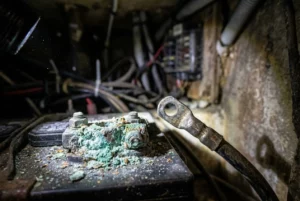
Use good coax for the run to the masthead, and keep joins to a minimum, since every connector is a place for water to get in. Seal outdoor connections thoroughly. A corroded connector can make a unit power up and look fine but transmit at a fraction of its power. If the data sheet or manual specifies a maximum cable length or cable type, follow it. If the GPS antenna is separate, it needs a clear view of the sky and should not sit right next to the VHF antenna.
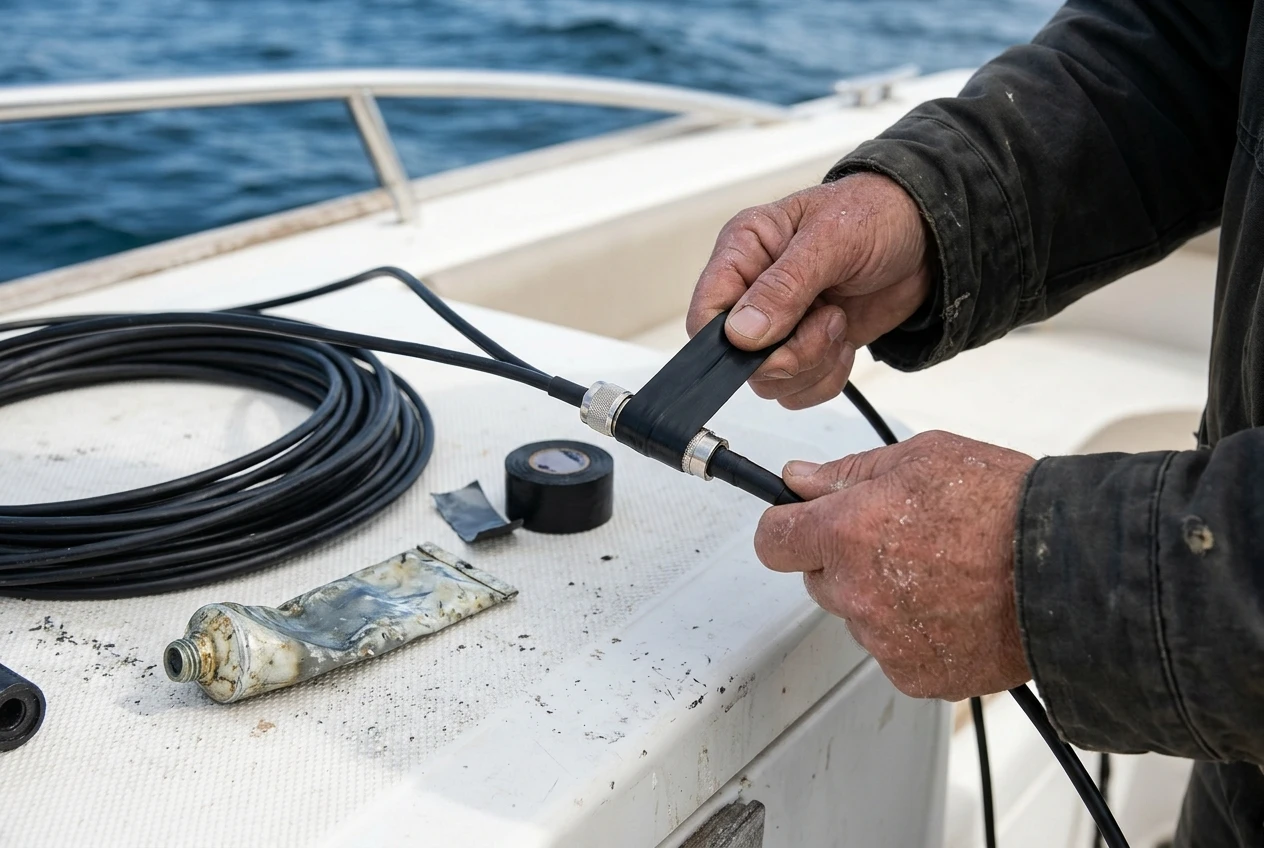
After installation, check the result. Near shore, within coverage of shore-based AIS receivers, look your boat up on an online AIS tracking site and confirm your position and name appear. That test covers your MMSI entry, the transmit path, and the antenna in one go. It is worth doing before you leave, and again after any rig work.
Reliability at sea: fault alerts, firmware, spares and what to carry if the unit dies mid-passage
Offshore reliability depends on what you find out, and when.
Know if it is transmitting. Check the status indicators during each watch. If the unit has an alarm output, wire it to a buzzer at the nav station. A transponder that silently stops sending is worse than none, because you believe you are visible.
Keep firmware current before you leave. Install any available updates while you are ashore and have internet access. Read the maker’s release notes first. Don’t update the day before departure, so you have time to find out whether it caused a problem.
Record the settings. Write down the MMSI, vessel details and any configuration, and keep the paper copy with the manual. If you replace the unit mid-passage, you will need these to program the new one.
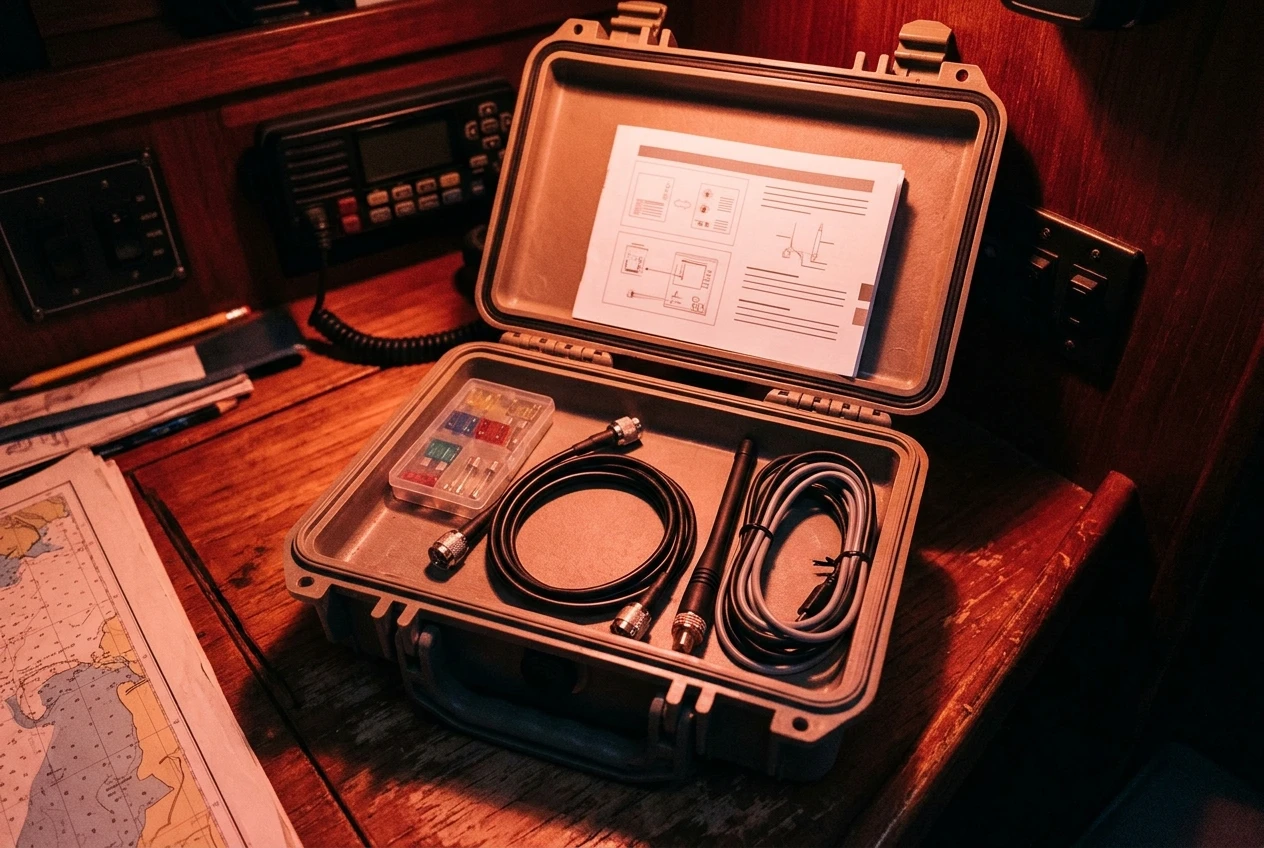
Carry spares that are cheap and light:
- A spare fuse rated for the AIS power line.
- A pre-made coax jumper with the right connectors, so you can bypass a suspect splitter and connect the transponder straight to an antenna.
- A spare antenna or a portable VHF antenna and mount.
- The data and power cables for your unit, since a damaged cable is more likely than a failed unit.
- A copy of the manual and wiring diagram on paper or offline.
Know what you will do if it fails. If the transponder dies and you cannot fix it, you are now a boat that can see AIS targets, if you have a receiver, but cannot be seen by them. Plan for this before you leave. Some sailors carry a second receiving device so that they keep AIS targets on screen even after a transponder failure. Some handheld VHF radios receive AIS. In either case, tighten the rest of your watch. Use radar, keep a visual lookout, and use a bright masthead light and a radar reflector. For other devices that carry your position or call for help, which satellite communicator to carry offshore compares what each does when things go wrong, and the safety equipment checklist places AIS among the rest of the kit.
AIS also depends on GPS, so a GPS fault affects what you transmit. If your position source drops out, the AIS unit may stop sending a valid position. Six ways GPS lets sailors down covers the failures and the backups that cover each.
Which transponder suits which boat and budget, with a clear pick for each type of sailor
These picks describe the specifications to look for, because the model lines change. Match the profile to your boat, then check candidates against the data sheet list above.
The budget-conscious sailor preparing for a first offshore passage
Pick a SOTDMA Class B unit with a built-in splitter and the network output your chartplotter already accepts (NMEA 0183 at 38,400 baud, or NMEA 2000). A built-in splitter keeps the installation small and the cost down, and sharing the existing VHF antenna avoids a second cable run. Put the savings into a good masthead antenna and cable instead of a feature-heavy unit. Use an online tracking site to confirm it works before you go.
The boat with NMEA 2000 and a modern multifunction display
Pick a unit with native NMEA 2000 output, so it connects to your existing backbone without a converter. Check that your display can show AIS targets and set alarms for dangerous targets. If you want AIS on a tablet as a backup screen, look for a unit that also outputs over Wi-Fi or USB.
The boat with older instruments and a separate NMEA 0183 plotter
Pick a unit with NMEA 0183 at a high baud rate, and confirm your plotter’s port can match it. Many older plotters cannot, so consider a unit with USB or multiple outputs if you plan to add a laptop or tablet.
The long-distance cruiser or liveaboard
Pick a unit with good fault reporting, a dedicated AIS antenna on the masthead, and a spare antenna kept aboard. Choose the unit whose maker offers reasonable service access in the regions you plan to visit. Carry the spares listed above, and keep a second receiving device so you still see targets if the transponder fails. For this boat, redundancy and reporting matter more than saving a little on the purchase.
The sailor with limited battery capacity
Pick based on receive current draw, since that figure runs all day and night. Check it against your actual daily generation. If a unit’s draw is higher than you can support, a lower-draw model is a better fit than a more capable one you have to switch off to save power, since a switched-off transponder helps nobody.
A final check before you pay
Before buying, confirm the unit is SOTDMA, its outputs match your electronics, you know how the antenna will be arranged, and you can see how it reports a fault. Enter the MMSI carefully, test the installation against an online tracker, and carry the spares. A mid-priced unit installed well on a good antenna will serve you better offshore than a more expensive one with a poor installation. The companion piece explains how AIS works once it is fitted, what it does and doesn’t do for collision avoidance, and how it actually prevents collisions on busy sailing routes.
This article was created with AI assistance and reviewed by a human editor.
Disclosure: This post contains Amazon affiliate links. If you buy through them, we may earn a small commission at no extra cost to you.
About The Author